Path 1
New to FORScan
Start here if you're just getting set up and want to understand the basics.
Step-by-step learning paths and short guides to build the right worksheet, fast.
F-Config is not FORScan software, hardware, a license, or a programming service.
Path 1
Start here if you're just getting set up and want to understand the basics.
Path 2
Learn how to plan modules, options, and changes the right way.
Path 3
Troubleshoot connection issues and get your module talking.
Short lessons. Practical answers. Pick up what you need.
Showing all 11 guides.
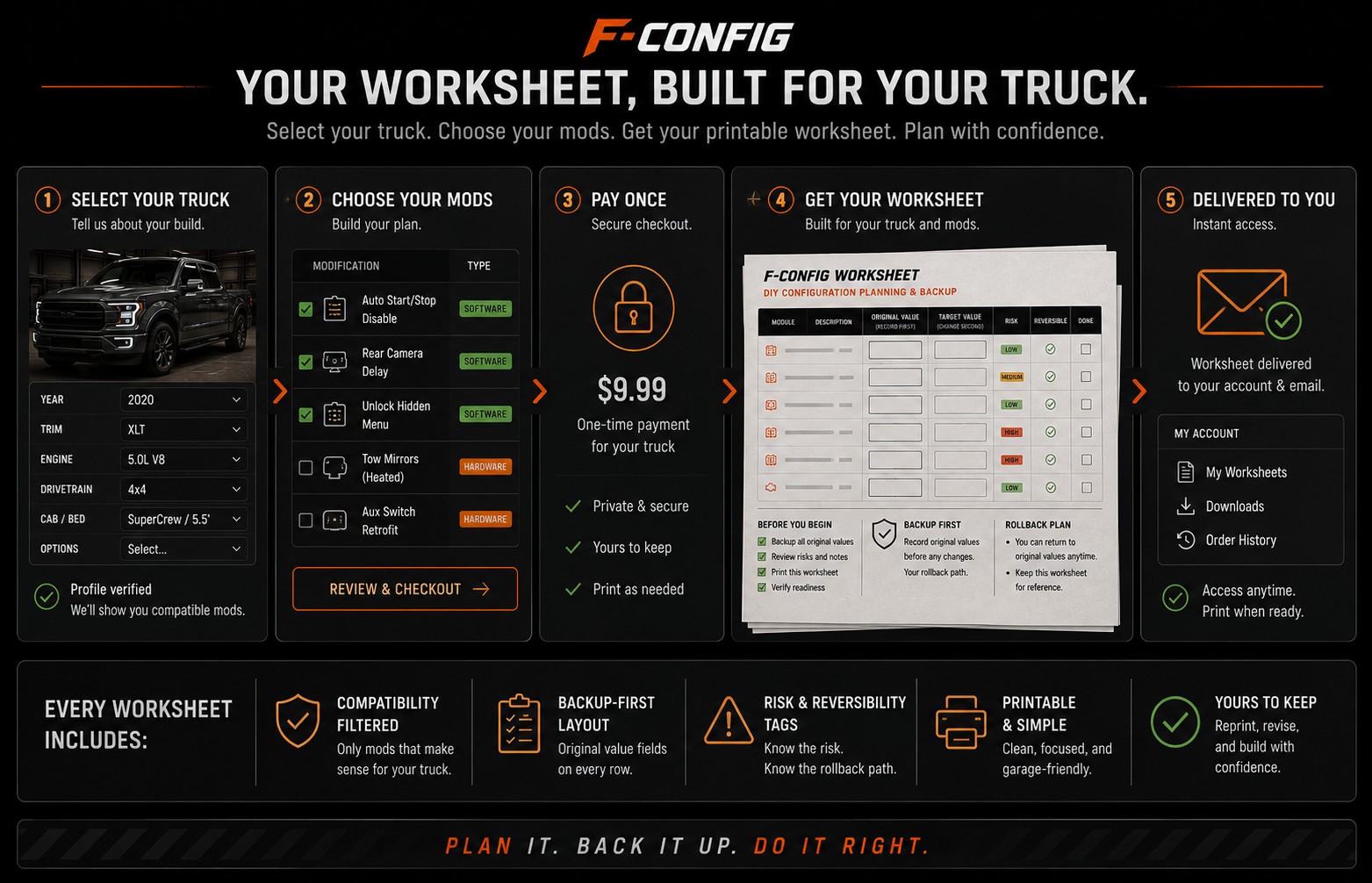 What Happens After You Buy a WorksheetSee clearly what the worksheet gives you, what it does not do for you, and how to use it before opening FORScan.4 min · Guide
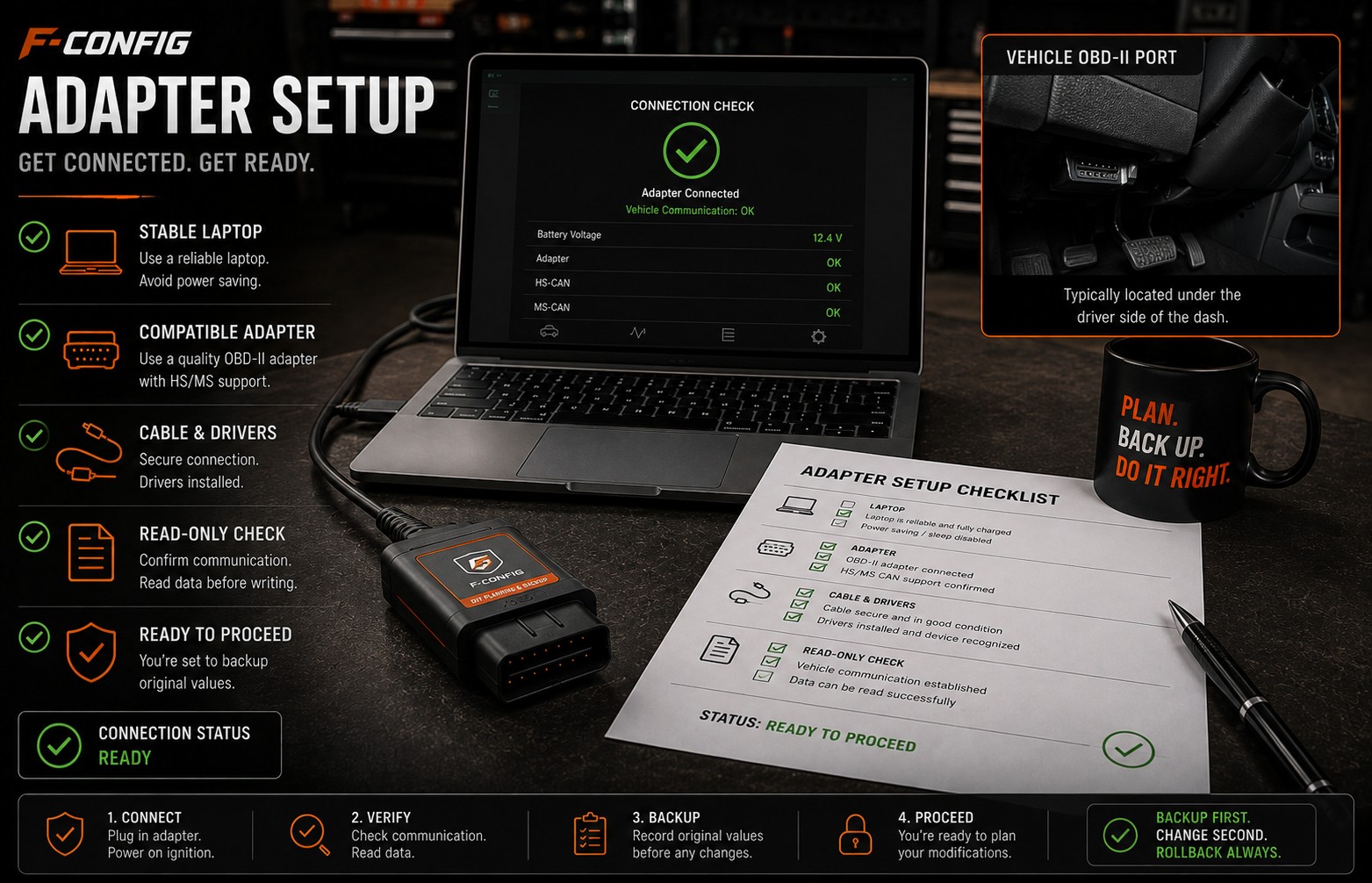 Choosing a FORScan Adapter for an F-150Understand why the adapter matters, why stable USB is often the safer default for writing values, and what to avoid before buying parts.4 min · Guide
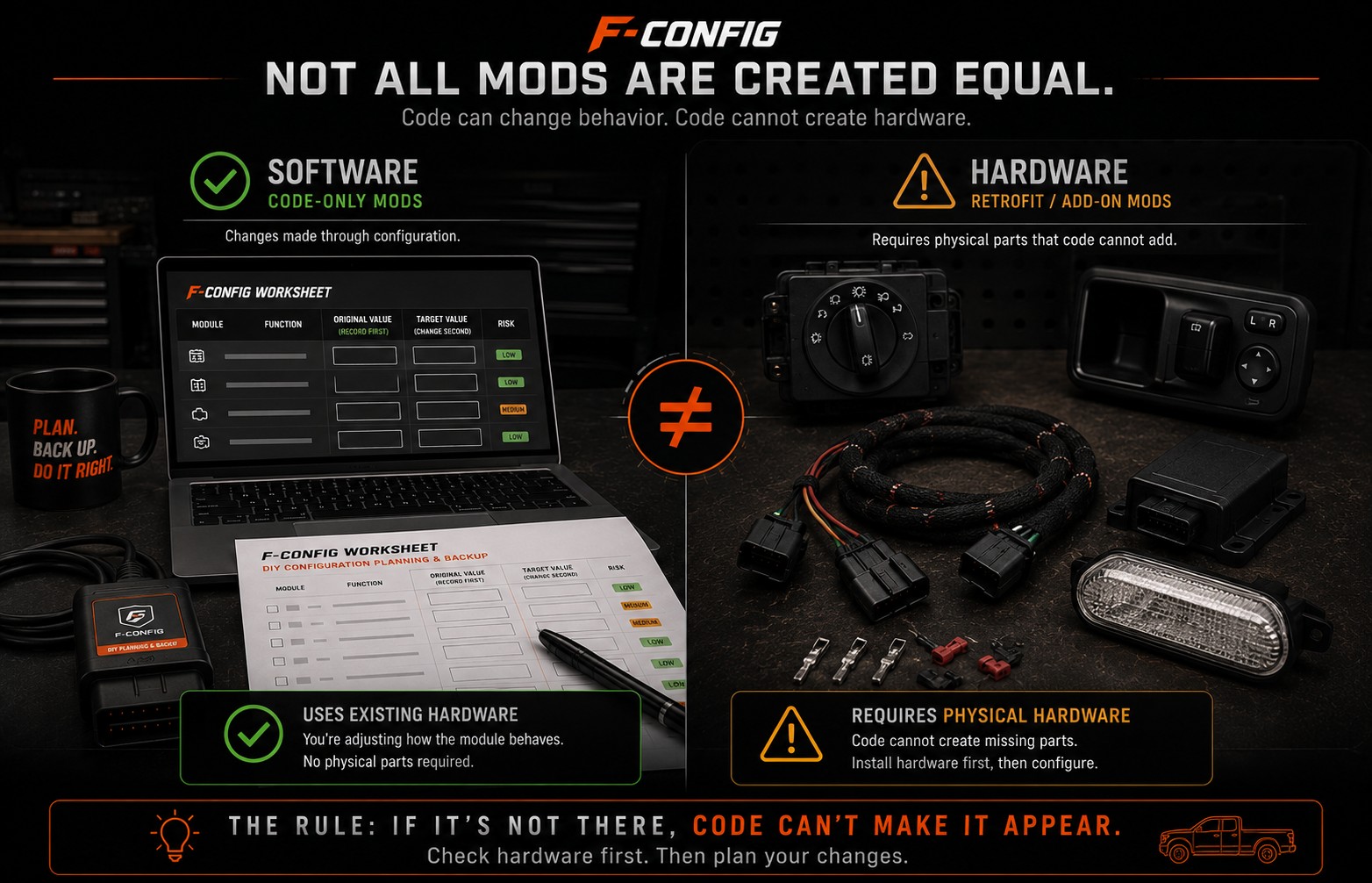
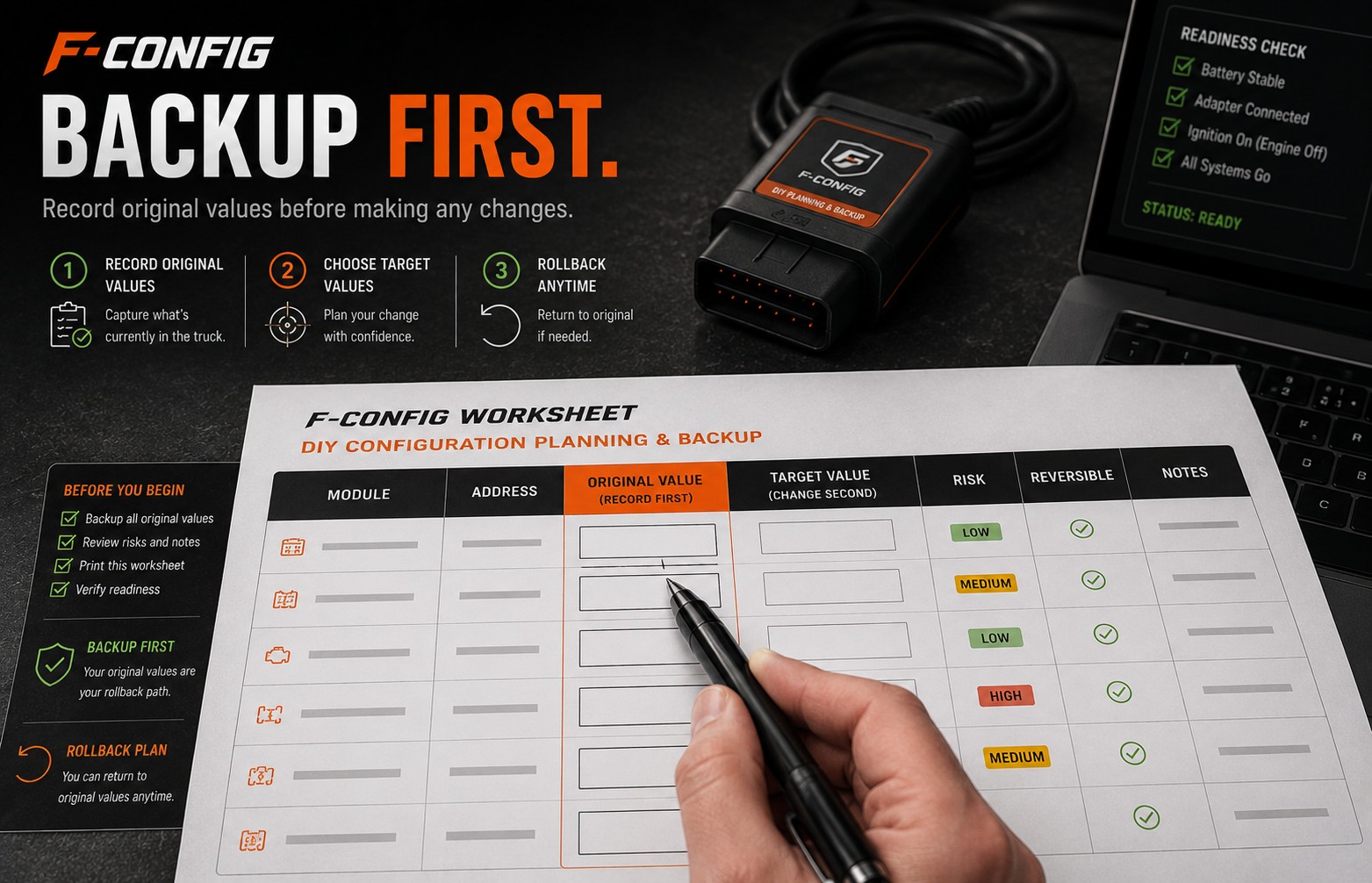 How to Back Up Original Values Before Changing CodesA simple backup-first guide for recording original module values so you have a rollback path if a change does not behave as expected.4 min · GuideHow to Tell if a Mod Needs HardwareA plain-English guide for spotting the difference between a software-only worksheet change and a retrofit that needs real parts, wiring, switches, or modules first.4 min · Guide
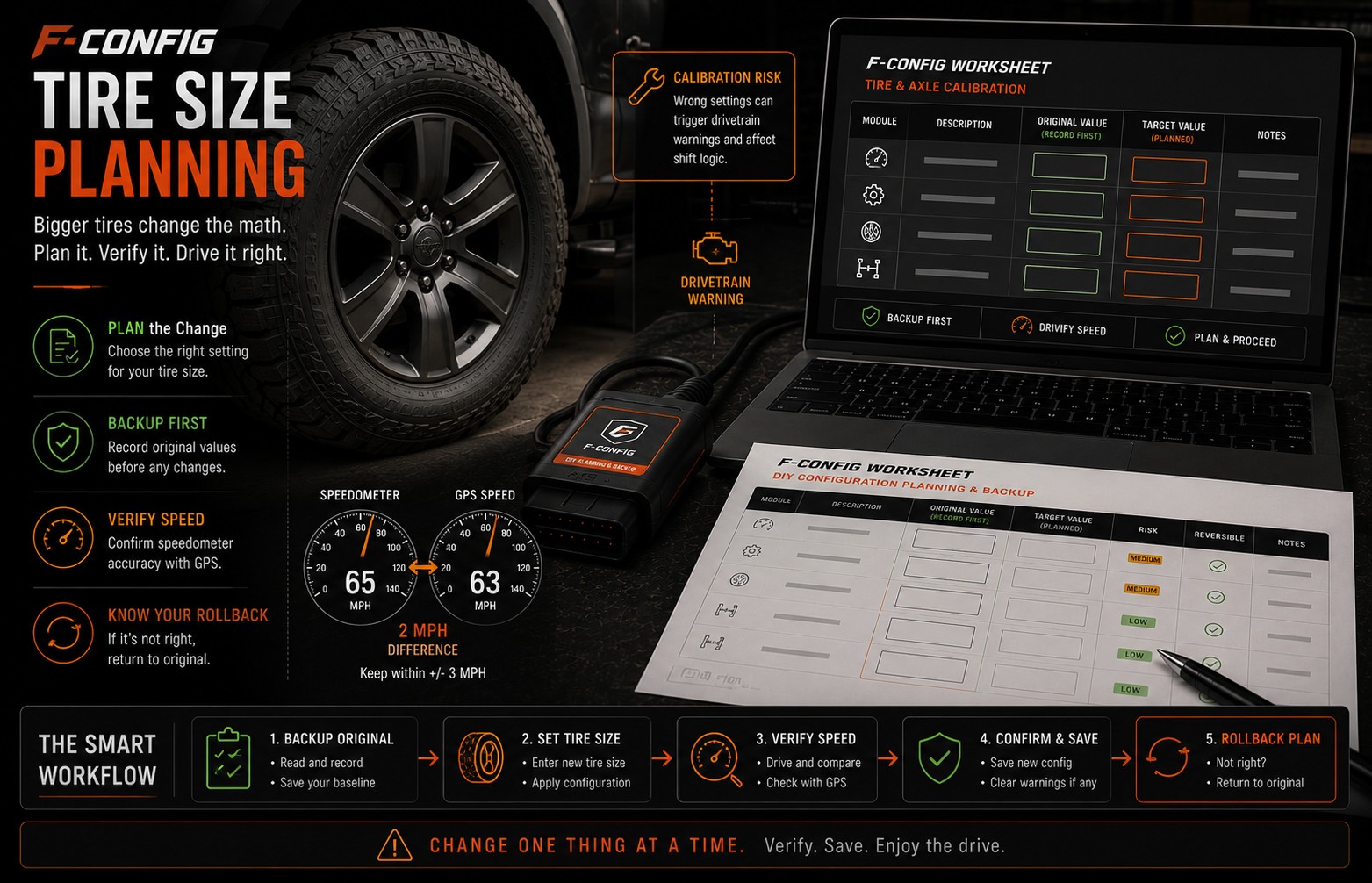 Tire Size Calibration + P160A WarningA plain-English guide for planning tire-size changes, avoiding speedometer surprises, and knowing what to do if a P160A or wrench warning appears.4 min · Guide
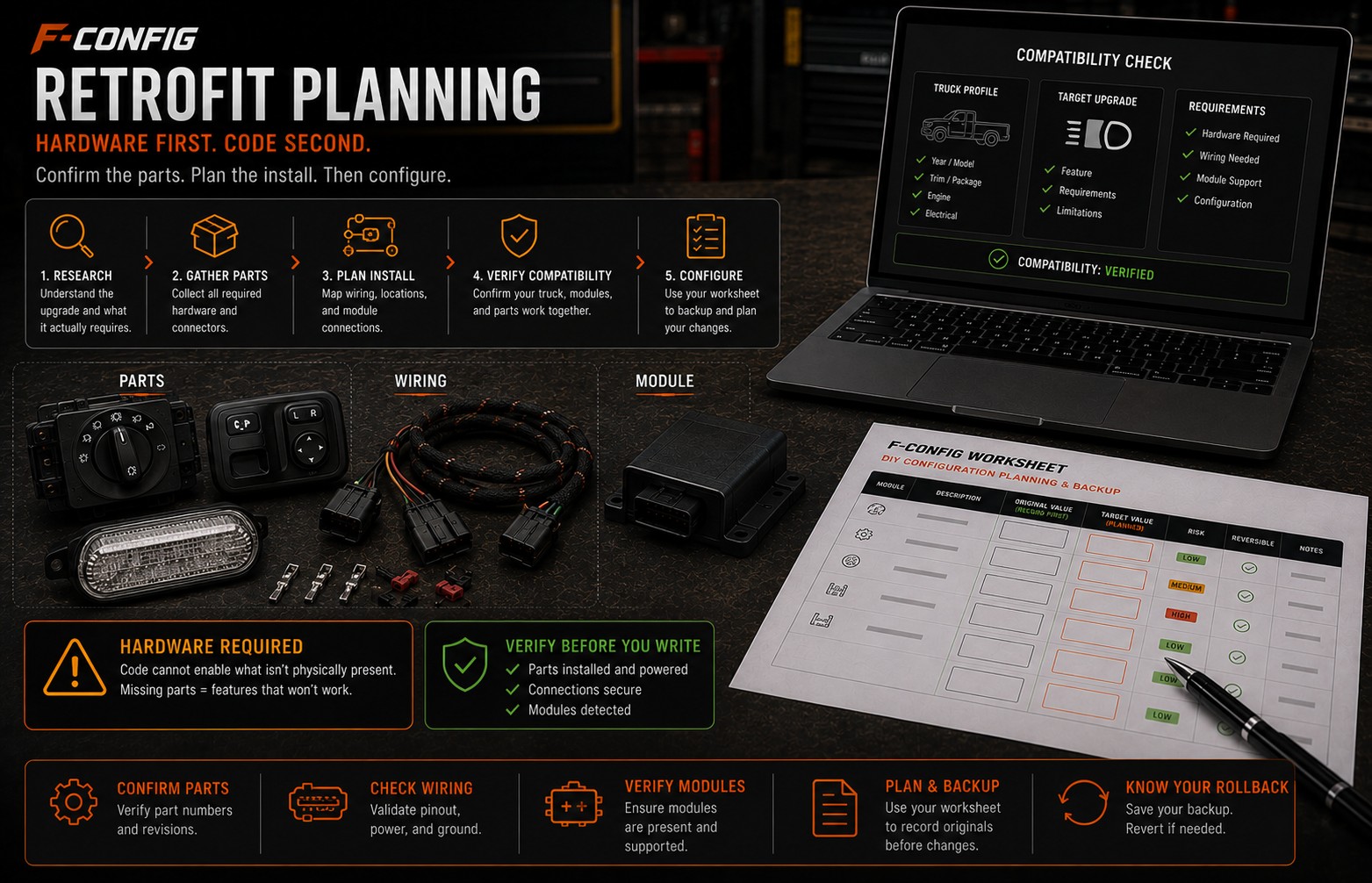 Heated Steering Wheel Retrofit PlanningLearn why a heated steering wheel is usually a parts-and-wiring project first, and a FORScan configuration project second.4 min · Guide
 Ambient Lighting PlanningUnderstand the difference between turning on a menu and having real ambient lighting hardware installed in the truck.4 min · Guide
 Power Fold Mirror PlanningLearn why power-fold mirrors need the right mirror motors, door modules, wiring, and switch path before FORScan can help.4 min · Guide
 BLIS Retrofit: Why This Is Not a Beginner ModUnderstand why blind-spot monitoring retrofits are safety-sensitive and why F-Config does not treat them like a normal convenience-code worksheet item.4 min · Guide
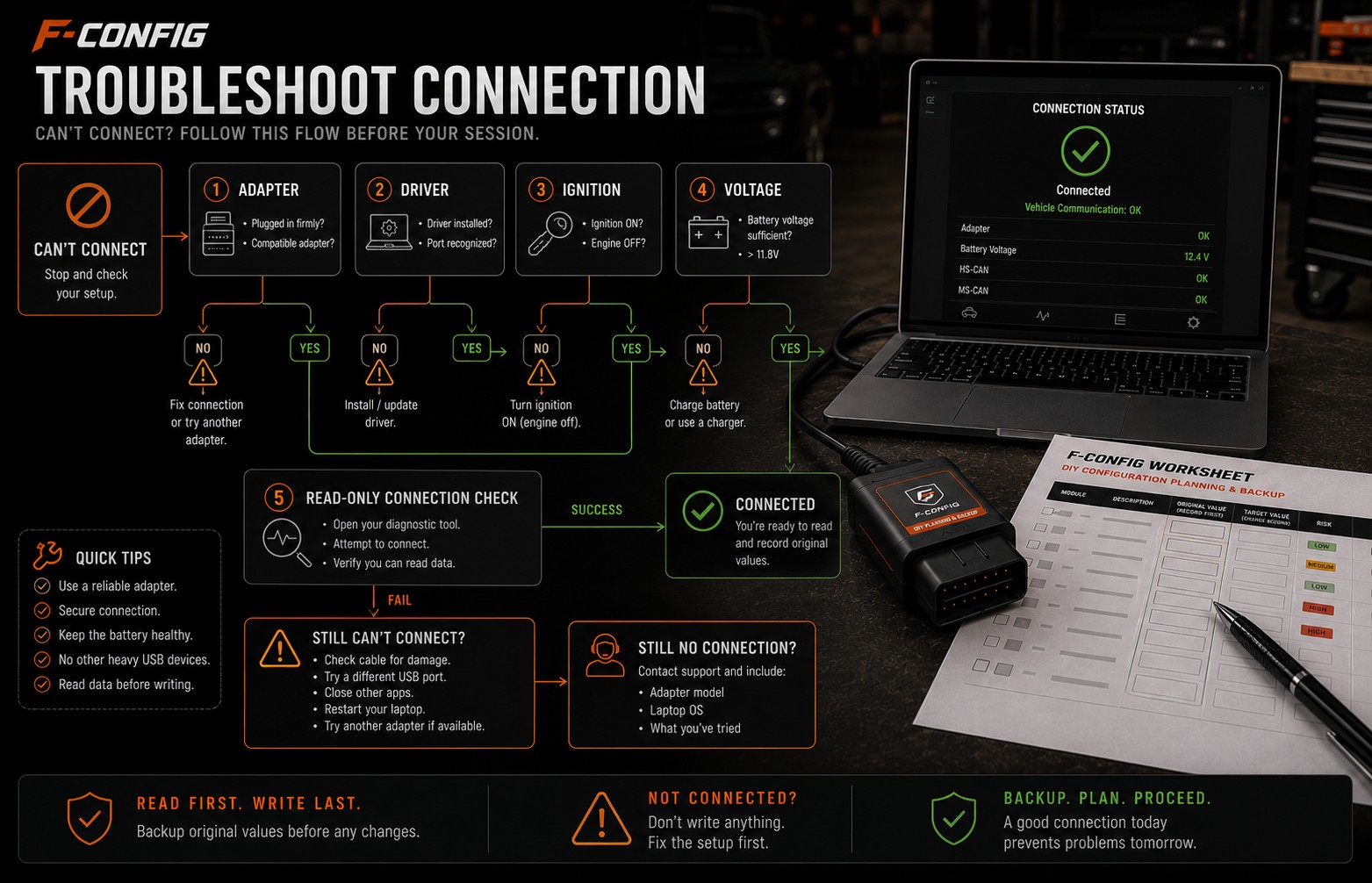
 Heated Seat Retrofit: Read This Before Buying PartsA plain-English warning and planning guide for heated-seat retrofits, seat wiring, controls, and SRS-adjacent risk.4 min · GuideWhat to Do When FORScan Will Not ConnectA beginner-friendly checklist for connection problems before a worksheet session: adapter mode, drivers, ignition state, battery voltage, and when to stop.4 min · Guide
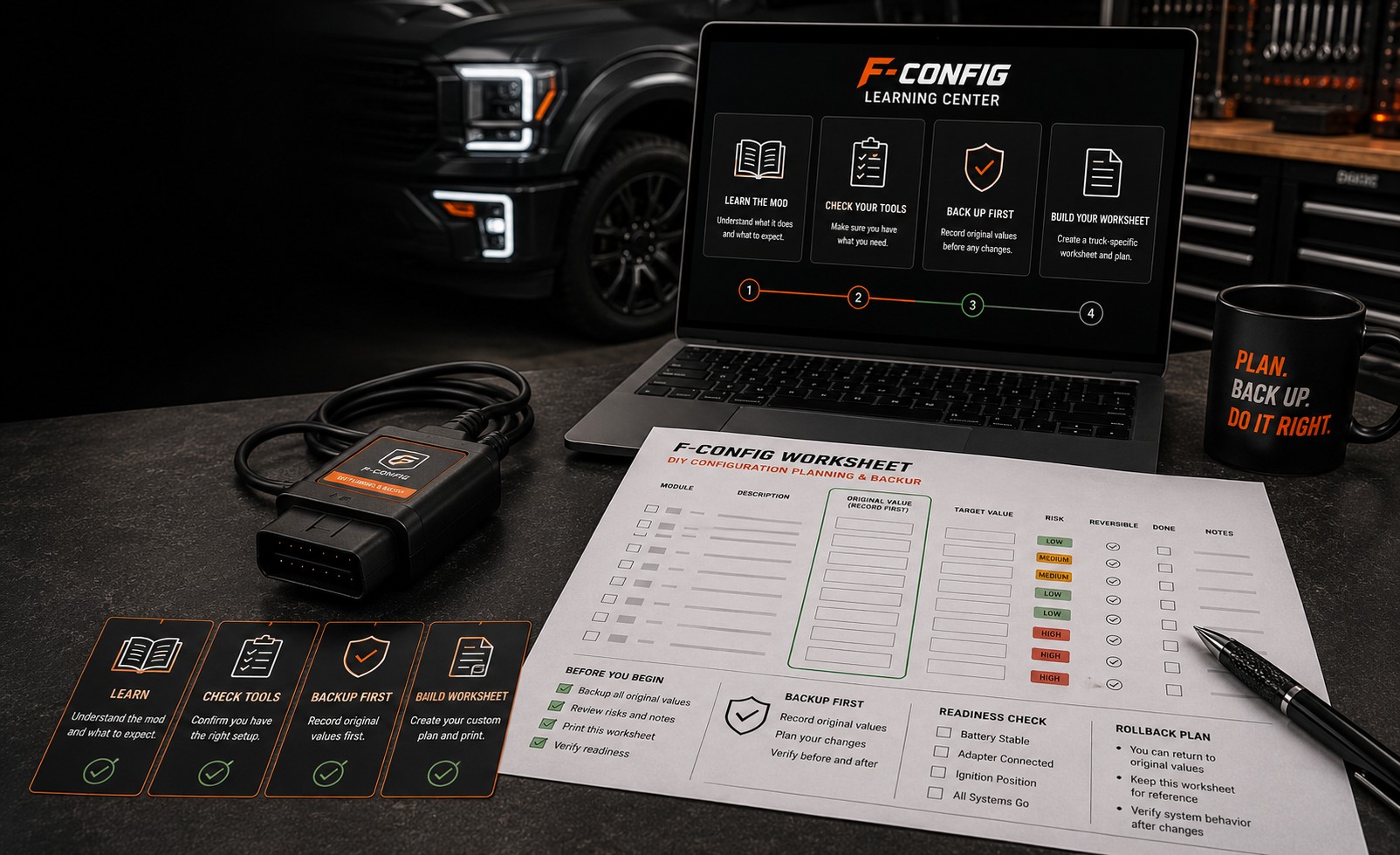
The lessons explain the job. These pages are the worksheet: the builder, plus Auto Start/Stop Disable and Bambi Mode. 2015–2020 and 2021+ are separate pages because the addresses are not the same.
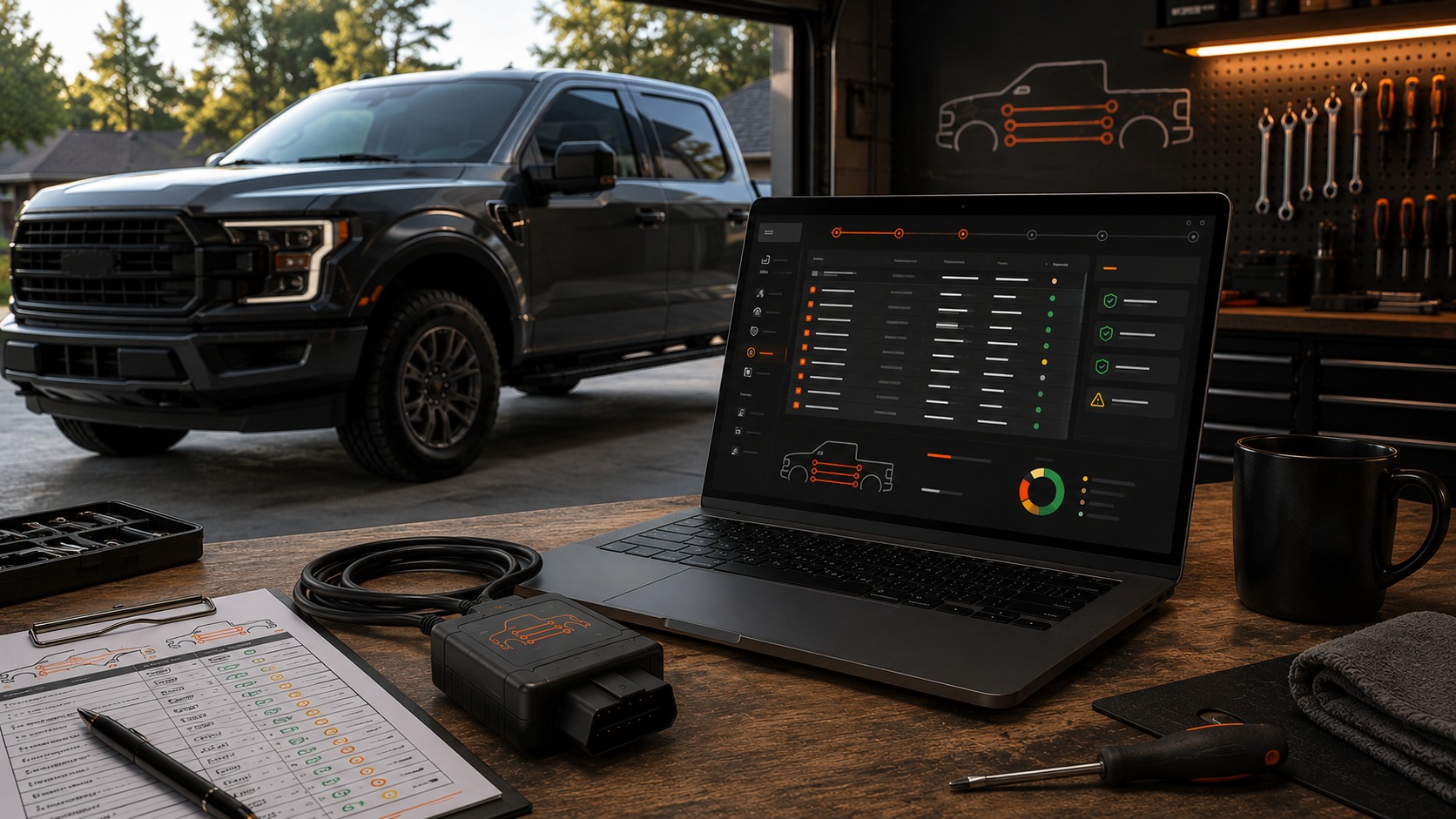
Free guides explain the job. $9.99 is the worksheet for your truck: the rows, blanks, and checks you write yourself.
$9.99
Build My Worksheet