Software support
Tire Size Calibration + P160A Warning
A plain-English guide for planning tire-size changes, avoiding speedometer surprises, and knowing what to do if a P160A or wrench warning appears.
1Best use of this free guide
Use it to understand the behavior change before building a worksheet.
2Confirm first
Confirm your year, trim, engine, drivetrain, adapter, laptop, and backup plan.
3Stop if
FORScan will not connect, voltage is unstable, the module/address does not match your worksheet, or the truck shows warnings.
Start here
Should you do this?
The short answer first, so you can stop reading if it is not for your truck.
Best use of this free guide
Use it to understand the behavior change before building a worksheet.
Confirm first
Confirm your year, trim, engine, drivetrain, adapter, laptop, and backup plan.
Stop if
FORScan will not connect, voltage is unstable, the module/address does not match your worksheet, or the truck shows warnings.
This free lesson is here to help you decide, not pressure you. If the setup, hardware, legality, safety, or compatibility picture is unclear, pause and research before purchasing parts, building a worksheet, or writing values. Never copy values from a free guide, screenshot, forum post, or another truck.
Background
What this actually changes
What the job does, where compatibility gets tricky, and what it looks like.
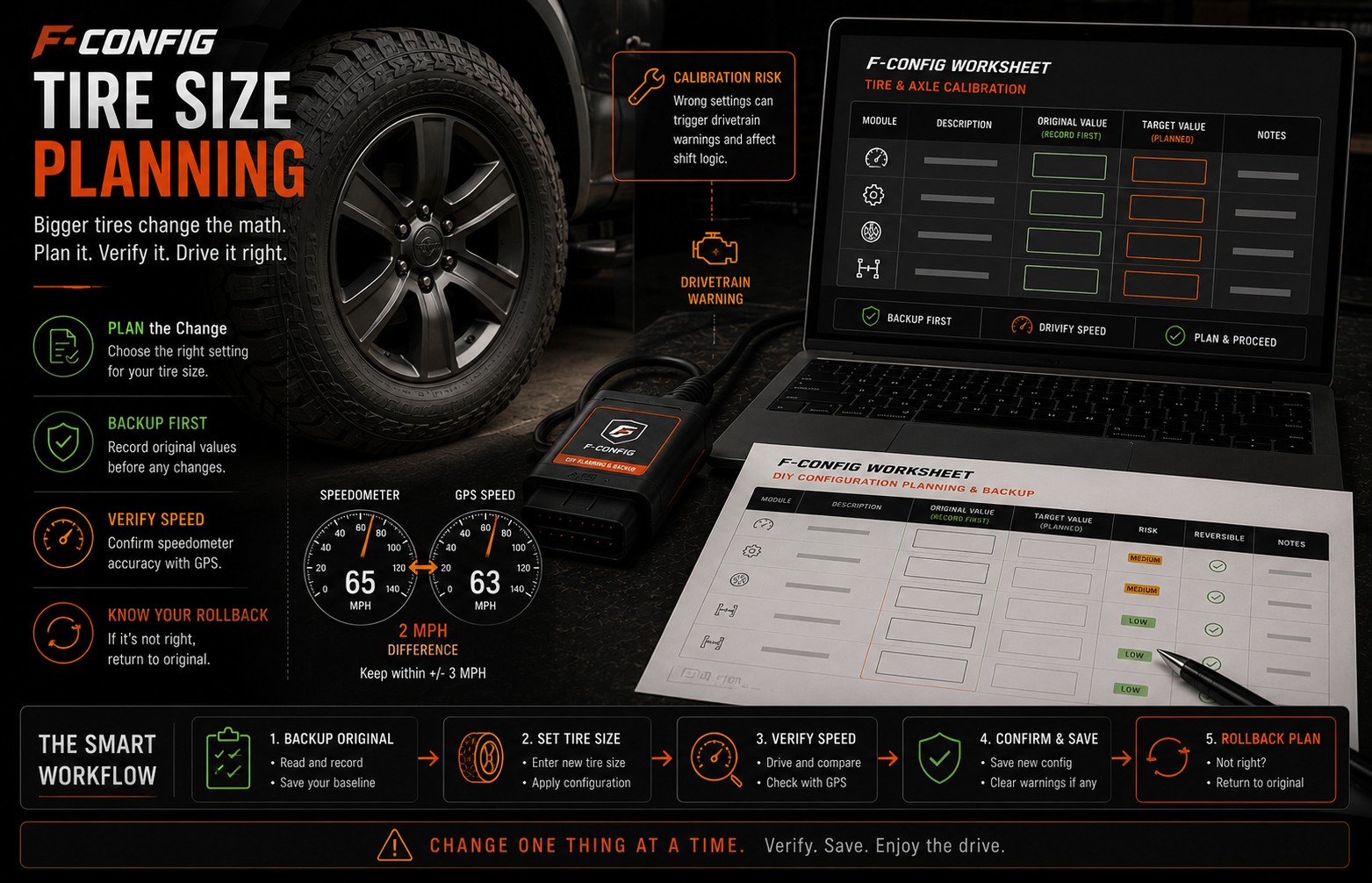
Tire-size changes need original backups, speed verification, and a clear stop point if a warning or relearn issue appears.
When tire size changes, the truck may still calculate speed using the old tire information. Tire-size calibration is the process of updating the related value so the speedometer and truck calculations are closer to the real tire size.
Software or hardware?
The coding portion is software-only, but the real-world outcome depends on the actual tire size, calibration target, and whether the truck accepts the relearn process cleanly.
Where compatibility gets tricky
Known community discussion is strongest around 2015-2020 F-150 trucks, with special caution for 2017-2018 P160A relearn reports. Confirm your selected year and visible modules before writing.
Before you build a worksheet
Use this free guide to decide if the job makes sense for your truck. If the required hardware, safety impact, adapter connection, or backup plan is unclear, solve that first instead of building a worksheet and guessing inside FORScan.
Pictures, videos and comparisons
Use this table to decide whether to continue reading, prepare more, or stop before changing anything.
Best use
Understand the behavior change before building a worksheet.
Good sign
Your truck details, adapter, laptop, FORScan access, and backup plan are ready.
Stop sign
FORScan will not connect, voltage is unstable, or the module/address does not match.
Worksheet fit
Useful for organizing compatible rows, original values, notes, and checks.
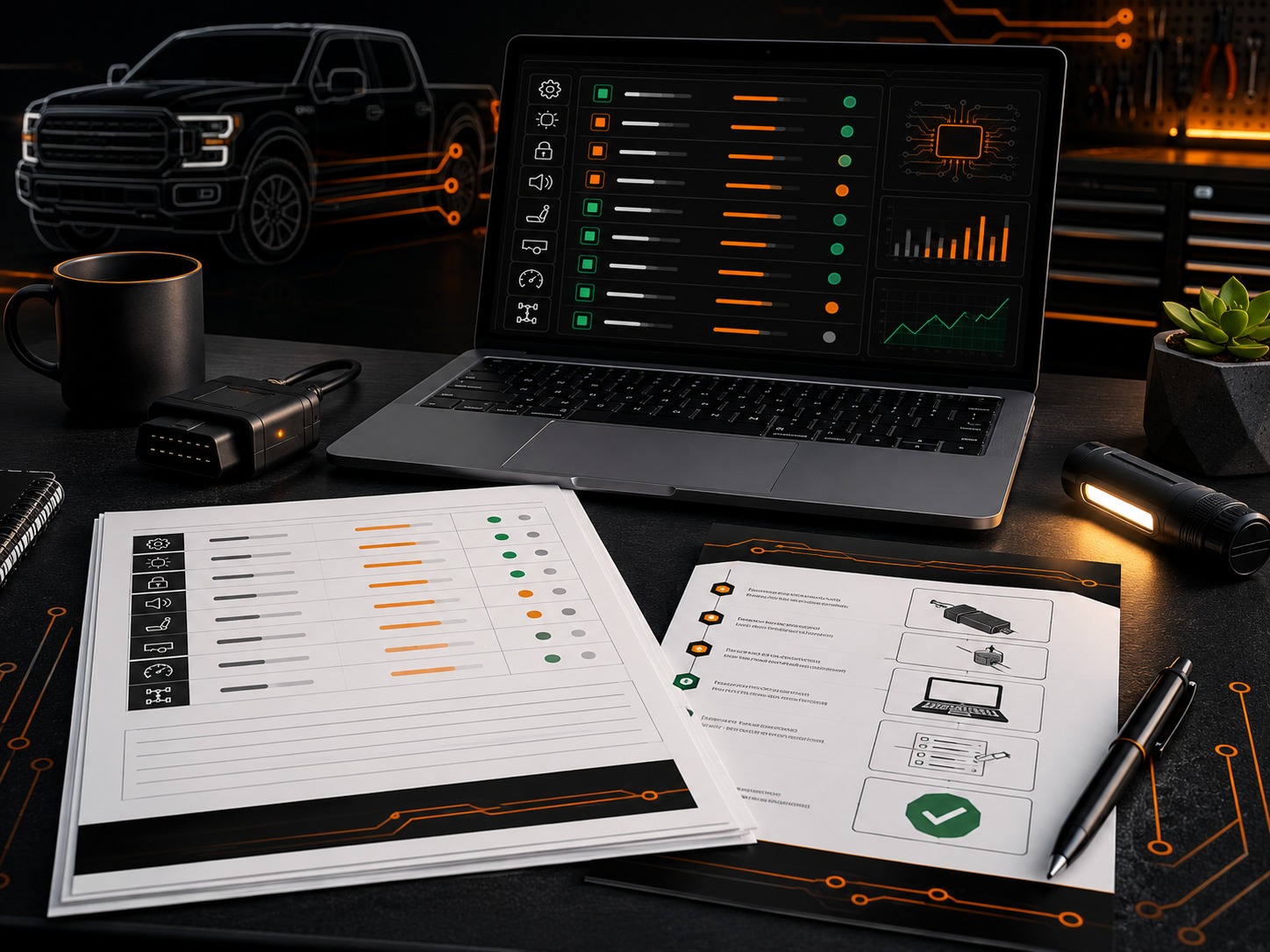
F-Config
Careful Read, Write, Cycle, Verify Workflow
Follow a repeatable process: read the module, confirm original values, write the worksheet values, cycle ignition, and verify.
Open resource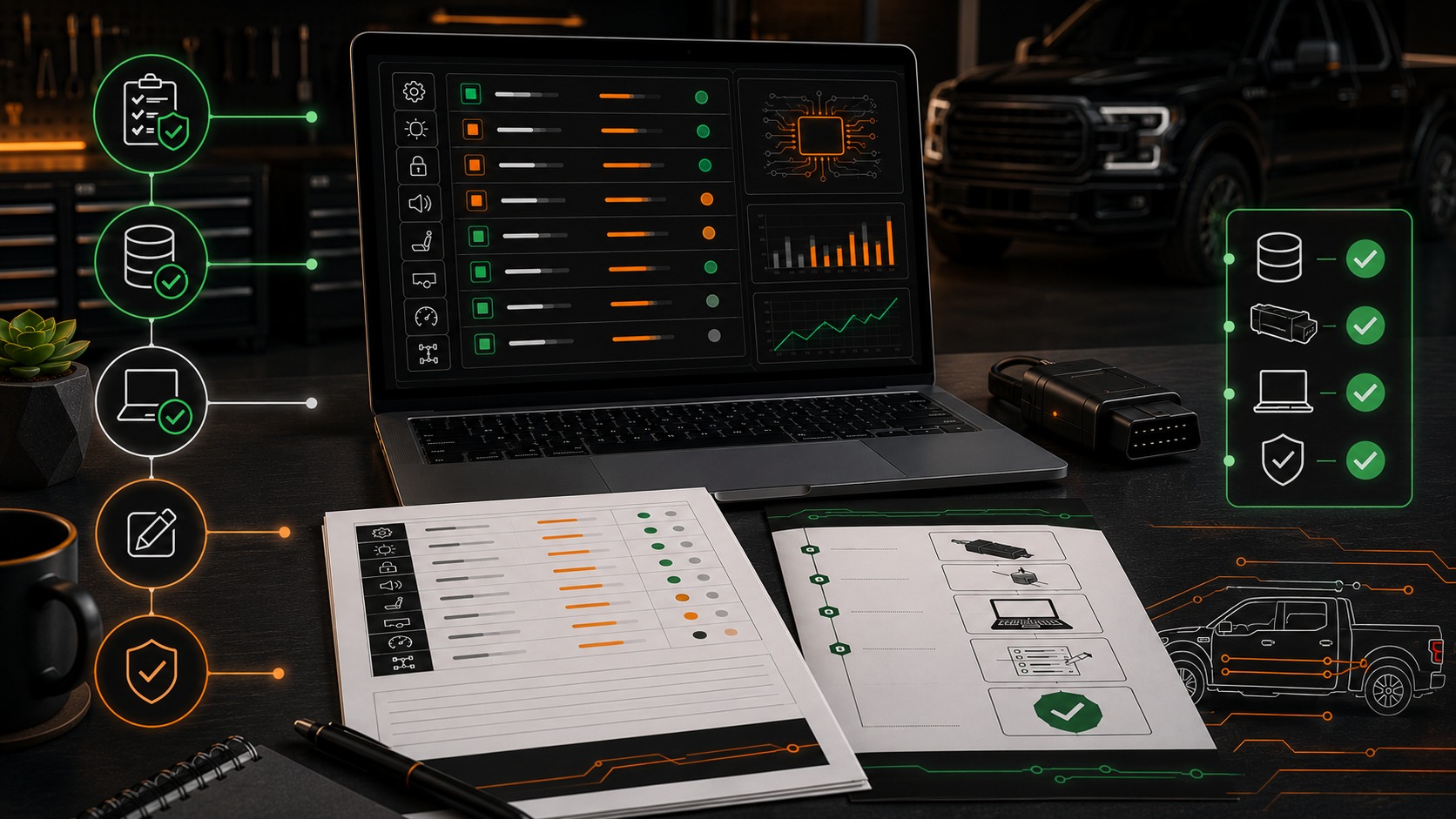
F-Config
Backup Your Original Module Values
The most important safety step. Save original module values before changing any as-built data.
Open resource
YouTube
Loading Factory As-Built Data
External video covering how factory as-built data can be used when restoring values.
Open videoThe work
How to do it
What to have ready, what to do before you change anything, and the order to work in.
What you need before you start
Before changing any values
Save the original value before changing a row. Only use rows from your own worksheet for your selected truck. If something feels wrong, restore the last original value first.
- Save the original value from every tire-size row before changing it.
- Write down the tire size currently installed on the truck, not only the size you planned to buy.
- Have a GPS speed check ready so you can compare the truck speed after the change.
- Understand the rollback path before writing anything.
A simple way to approach it
- 1
Back up the relevant module data.
- 2
Record the current tire-size-related values.
- 3
Apply only the planned tire-size row.
- 4
Cycle ignition and check for warning lights.
- 5
Complete relearn or rollback steps if the truck reports a fault.
Afterwards
Check it worked
How to confirm it worked
- No wrench light or persistent DTC remains after the drive cycle.
- Speed reading is reasonably aligned with GPS verification.
- Original values are saved where you can find them later.
Common mistakes and problems
- The speedometer is still off after the new value is written.
- A P160A code or wrench light appears after the change.
- The adapter disconnects before the write is complete.
- Multiple changes were made at once, making it hard to know which value caused the problem.
FORScan notes
- Do not expect one universal tire-size code to work for every F-150.
- If a warning appears after the change, stop and restore the last edited original value first.
- Do not combine tire-size work with unrelated comfort or lighting changes in the same session.
Safety net
If it goes wrong, and where this came from
Rollback plan
- Restore the last edited original value first.
- Cycle ignition, rescan for codes, and avoid further writes until the truck is stable.
Verified facts
FORScan requires proper adapter access and original backups before module changes.
Forum-reported claims
P160A and relearn behavior are commonly discussed by owners, especially around 2017-2018 trucks.
F-Config assumption
A single-purpose tire-size session is easier to troubleshoot than combining several changes.
Sources reviewed
FORScan official site
OfficialUsed for general FORScan software, adapter, and license context.
Open sourceFORScan community forum
Community-reportedUsed to compare community-reported module behavior and common troubleshooting patterns.
Open sourceFord owner support
OfficialUsed for owner-facing feature and vehicle operation context.
Open sourceF-Config is independent. These notes do not imply Ford, FORScan, forum, or community endorsement. Do not use F-Config to bypass emissions, theft, restraint, safety, inspection, odometer, VIN, or licensing protections.
Keep learning
Related free guides
Start here
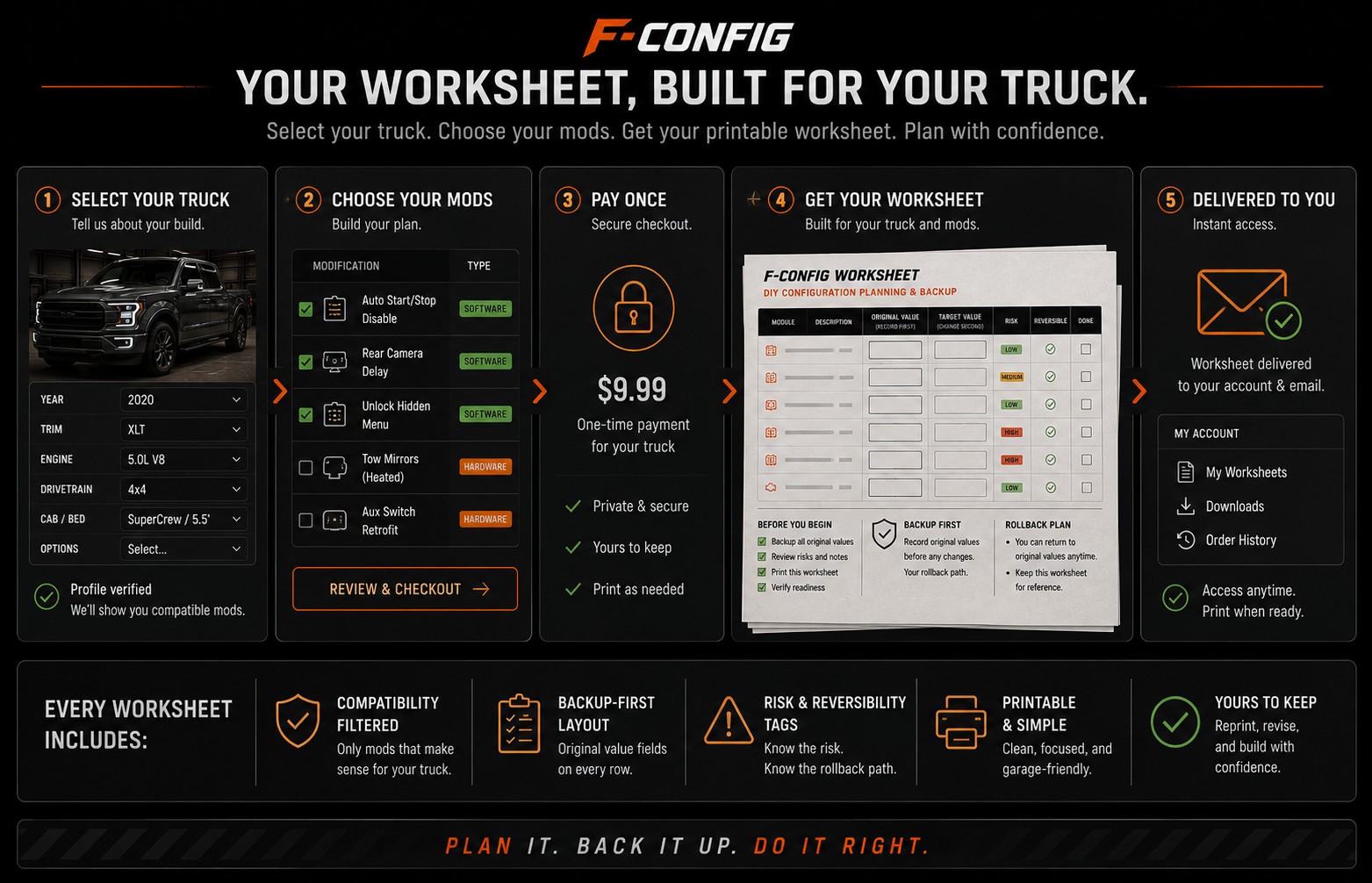
What Happens After You Buy a Worksheet
See clearly what the worksheet gives you, what it does not do for you, and how to use it before opening FORScan.
Start here
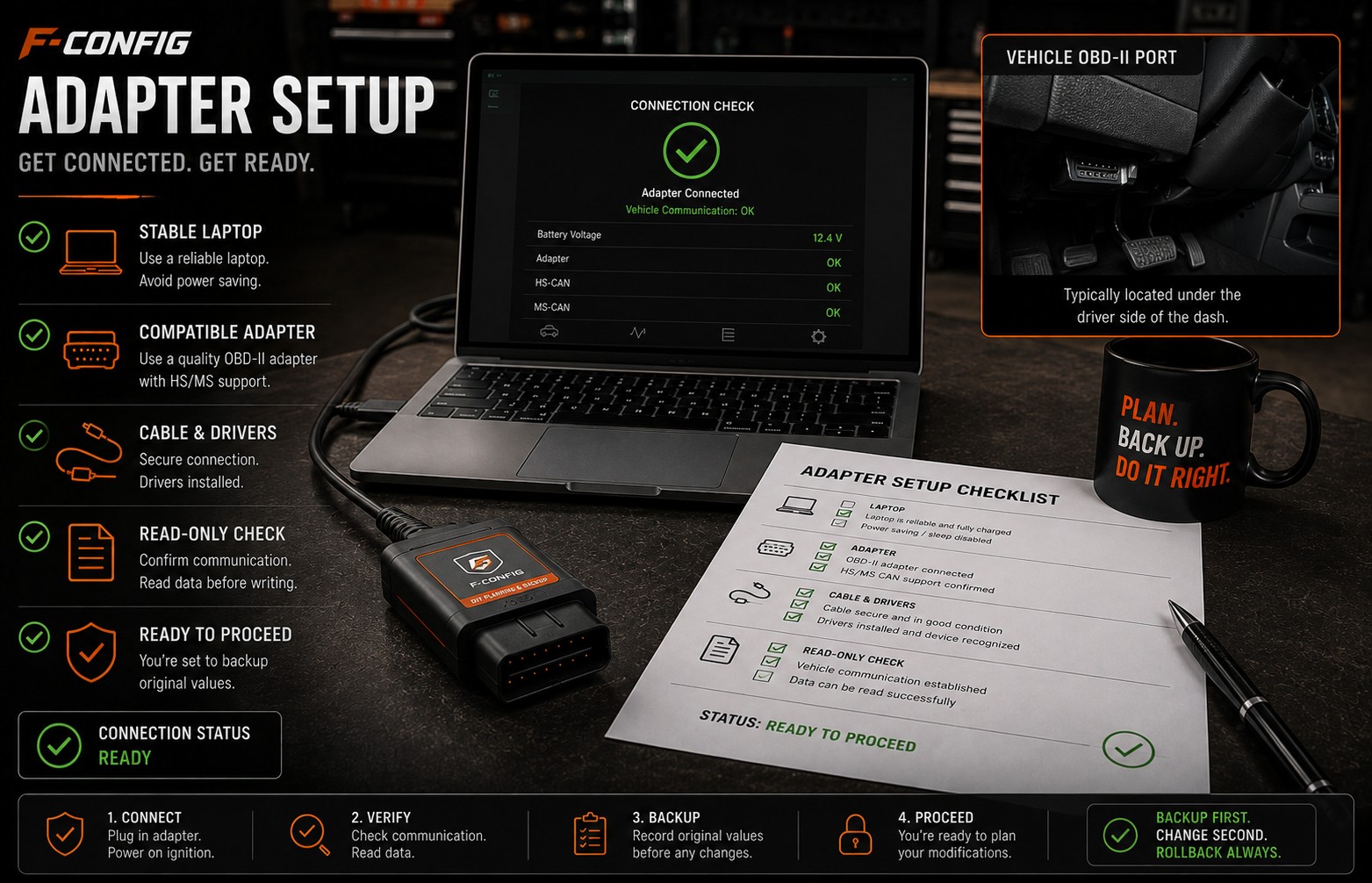
Choosing a FORScan Adapter for an F-150
Understand why the adapter matters, why stable USB is often the safer default for writing values, and what to avoid before buying parts.
Start here
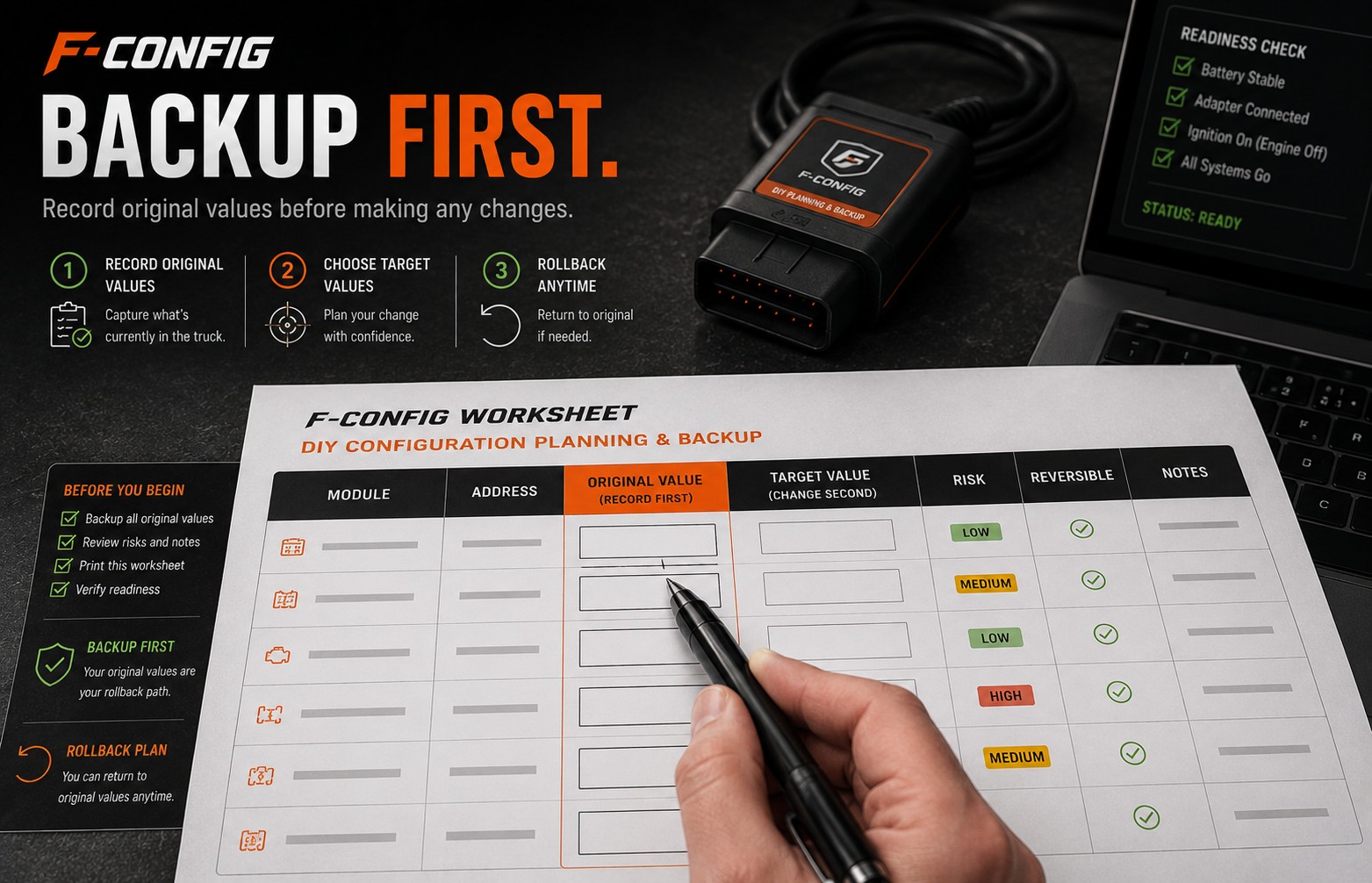
How to Back Up Original Values Before Changing Codes
A simple backup-first guide for recording original module values so you have a rollback path if a change does not behave as expected.
Build the worksheet for your truck.
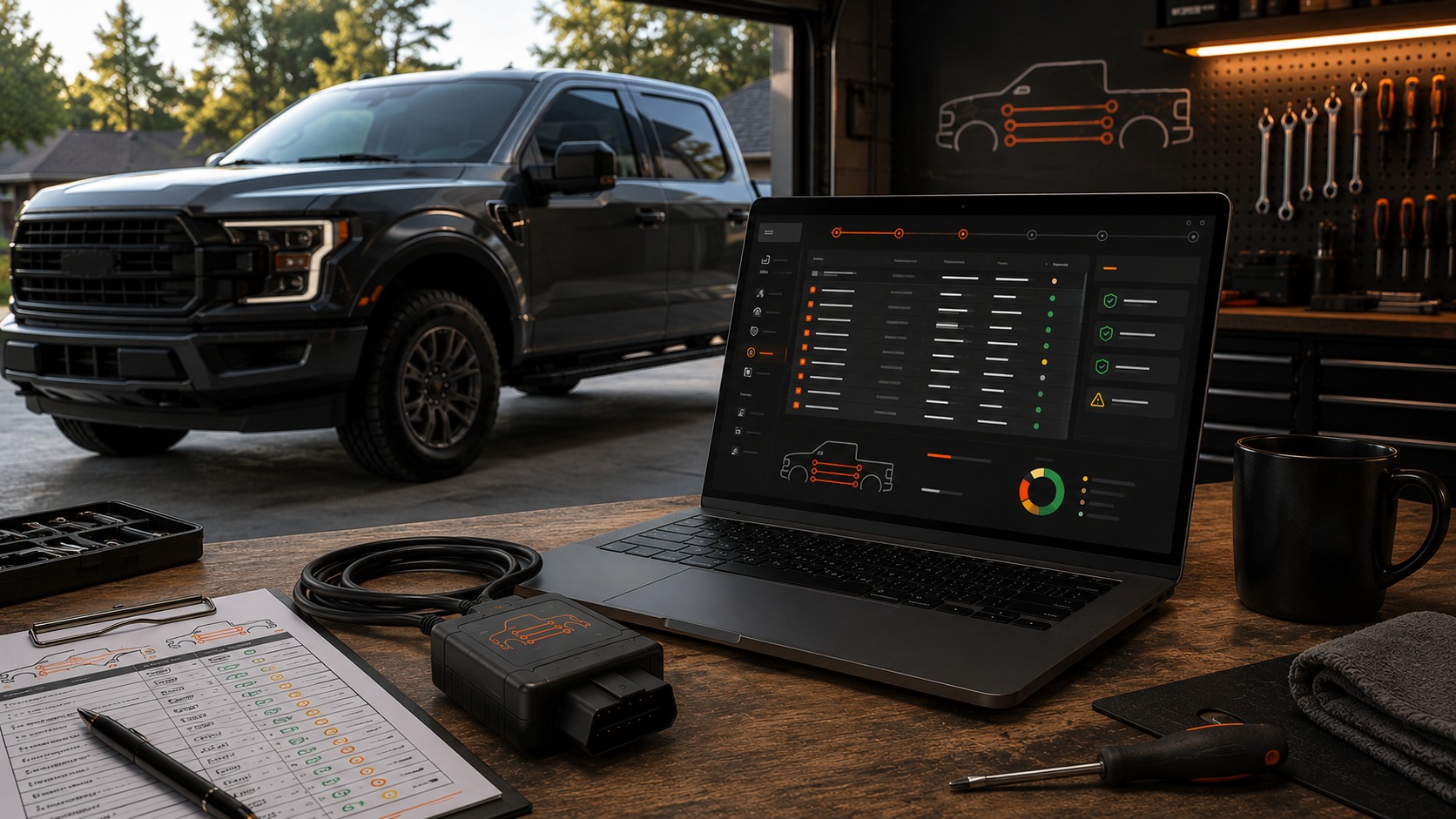
Free guides explain the job. $9.99 is the worksheet for your truck: the rows, blanks, and checks you write yourself.
$9.99
Build My Worksheet$9.99
Free guides explain the job. $9.99 is the worksheet for your truck: the rows, blanks, and checks you write yourself.