Start here
What Happens After You Buy a Worksheet
See clearly what the worksheet gives you, what it does not do for you, and how to use it before opening FORScan.
1Best use of this free guide
Use it to understand the behavior change before building a worksheet.
2Confirm first
Confirm your year, trim, engine, drivetrain, adapter, laptop, and backup plan.
3Stop if
FORScan will not connect, voltage is unstable, the module/address does not match your worksheet, or the truck shows warnings.
Start here
Should you do this?
The short answer first, so you can stop reading if it is not for your truck.
Best use of this free guide
Use it to understand the behavior change before building a worksheet.
Confirm first
Confirm your year, trim, engine, drivetrain, adapter, laptop, and backup plan.
Stop if
FORScan will not connect, voltage is unstable, the module/address does not match your worksheet, or the truck shows warnings.
This free lesson is here to help you decide, not pressure you. If the setup, hardware, legality, safety, or compatibility picture is unclear, pause and research before purchasing parts, building a worksheet, or writing values. Never copy values from a free guide, screenshot, forum post, or another truck.
Free: F-150 FORScan pre-flight & rollback checklist
Three printable pages covering what to do before you write a single value, how to keep every change reversible, and what to do when a module stops responding. No codes, nothing to buy. Take it to the garage.
Background
What this actually changes
What the job does, where compatibility gets tricky, and what it looks like.

The customer chooses their F-150 details and mods first. F-Config turns that into an organized worksheet with backup blanks, checks, and notes.
F-Config gives you a printable worksheet for your selected F-150 and selected mods. It is meant to keep the job organized: module, address, target value, original value space, notes, and completion checks. Free lessons explain the workflow and risk; your private worksheet is where truck-specific rows belong.
Software or hardware?
The worksheet is a digital guide, not software. You still need FORScan, a compatible adapter, a Windows laptop, and your own careful review before writing values.
Where compatibility gets tricky
F-Config currently focuses on F-150 worksheet planning. The value of the worksheet depends on choosing the correct year, trim, engine, drivetrain, and compatible mods before you build it.
Before you build a worksheet
Use this free guide to decide if the job makes sense for your truck. If the required hardware, safety impact, adapter connection, or backup plan is unclear, solve that first instead of building a worksheet and guessing inside FORScan.
Pictures, videos and comparisons
Use this table to decide whether to continue reading, prepare more, or stop before changing anything.
Best use
Understand the behavior change before building a worksheet.
Good sign
Your truck details, adapter, laptop, FORScan access, and backup plan are ready.
Stop sign
FORScan will not connect, voltage is unstable, or the module/address does not match.
Worksheet fit
Useful for organizing compatible rows, original values, notes, and checks.
F-Config
Understand As-Built Data Before Writing
Learn what module addresses, original values, target values, and checksum-style value blocks mean in the worksheet.
Open resource
F-Config
Careful Read, Write, Cycle, Verify Workflow
Follow a repeatable process: read the module, confirm original values, write the worksheet values, cycle ignition, and verify.
Open resource
YouTube
How To Use FORScan Instructional
External walkthrough covering beginner FORScan setup and common F-150 programming changes.
Open videoThe work
How to do it
What to have ready, what to do before you change anything, and the order to work in.
What you need before you start
Before changing any values
Save the original value before changing a row. Only use rows from your own worksheet for your selected truck. If something feels wrong, restore the last original value first.
- Read the worksheet before connecting to the truck.
- Highlight any rows that mention optional behavior or hardware requirements.
- Write down original values before changing each row.
- Confirm the row came from your own purchased worksheet and selected truck details.
- Do not make unrelated changes during the same session.
A simple way to approach it
- 1
Create or sign into your account.
- 2
Select the correct F-150 details.
- 3
Choose the mods you want included.
- 4
Review the worksheet preview before continuing.
- 5
After payment, open the worksheet from your account or email.
- 6
Use the worksheet as a checklist while saving originals, writing values, and verifying results.
Afterwards
Check it worked
How to confirm it worked
- You can open the worksheet from your account.
- The selected truck and mods match what you chose.
- Each code row has a place to record the original value and completion checks.
- You understand the backup and rollback path before writing.
Common mistakes and problems
- Customer expects the worksheet to perform the module changes for them.
- Customer chose the wrong truck details before generating the worksheet.
- Customer skips the original-value backup space.
- Customer starts writing without reading optional notes.
FORScan notes
- F-Config does not replace FORScan or include a FORScan license.
- You still need to enter and verify values in FORScan yourself.
- Do not copy values from a free lesson, screenshot, forum post, or another truck into your own modules.
- If the truck behaves differently than expected, restore the last original value first.
Safety net
If it goes wrong, and where this came from
Rollback plan
- If a change does not behave correctly, restore the original value recorded for the last edited row.
- If you picked the wrong truck details, contact support before continuing with the worksheet.
What F-Config provides
A digital worksheet and guide for organizing supported DIY F-150 FORScan work.
What F-Config does not provide
F-Config does not provide FORScan software, Ford software, licenses, hardware, official data, or programming services.
Free lesson boundary
Free lessons are educational and should not be treated as truck-specific programming instructions.
Customer responsibility
The customer is responsible for verifying compatibility, backing up original values, and deciding whether the change is appropriate for their vehicle and location.
Sources reviewed
FORScan official site
OfficialUsed for general FORScan software, adapter, and license context.
Open sourceFORScan community forum
Community-reportedUsed to compare community-reported module behavior and common troubleshooting patterns.
Open sourceFord owner support
OfficialUsed for owner-facing feature and vehicle operation context.
Open sourceF-Config is independent. These notes do not imply Ford, FORScan, forum, or community endorsement. Do not use F-Config to bypass emissions, theft, restraint, safety, inspection, odometer, VIN, or licensing protections.
Worksheet pages
This guide is the process. The builder is where you choose rows. The mod pages show what one worksheet item looks like before checkout. Use the year range in the name.
Keep learning
Related free guides
Start here
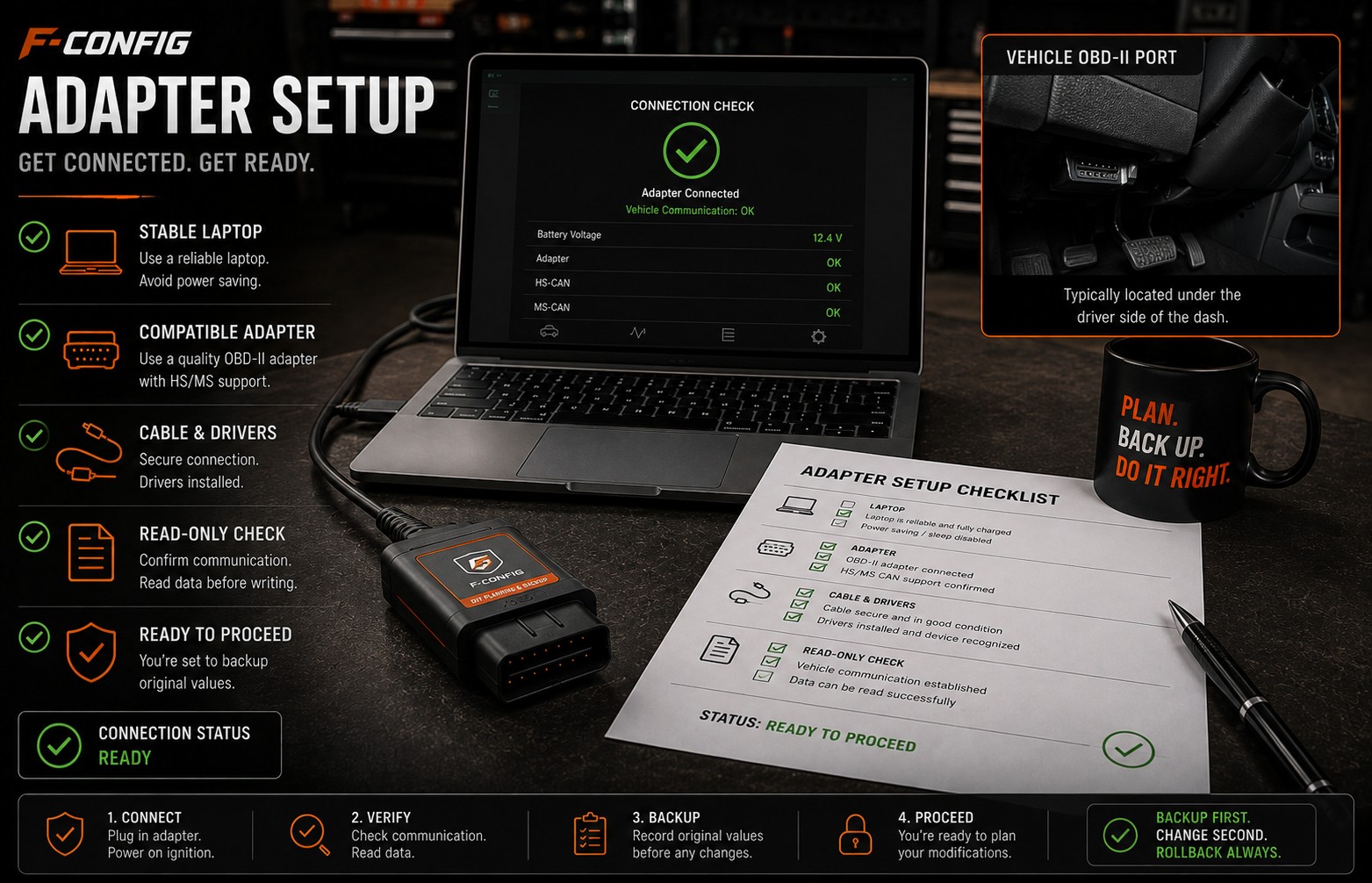
Choosing a FORScan Adapter for an F-150
Understand why the adapter matters, why stable USB is often the safer default for writing values, and what to avoid before buying parts.
Start here
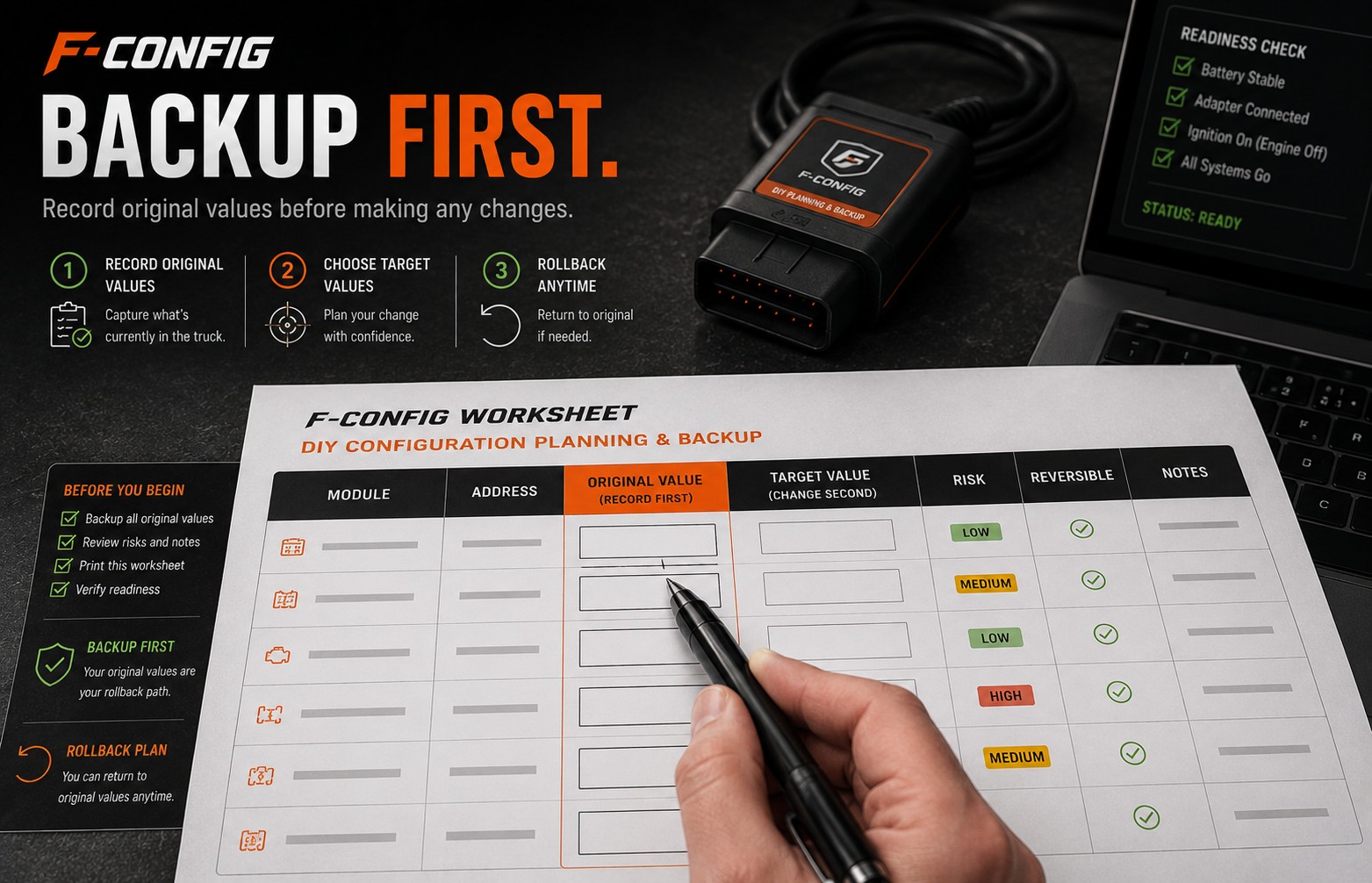
How to Back Up Original Values Before Changing Codes
A simple backup-first guide for recording original module values so you have a rollback path if a change does not behave as expected.
Start here
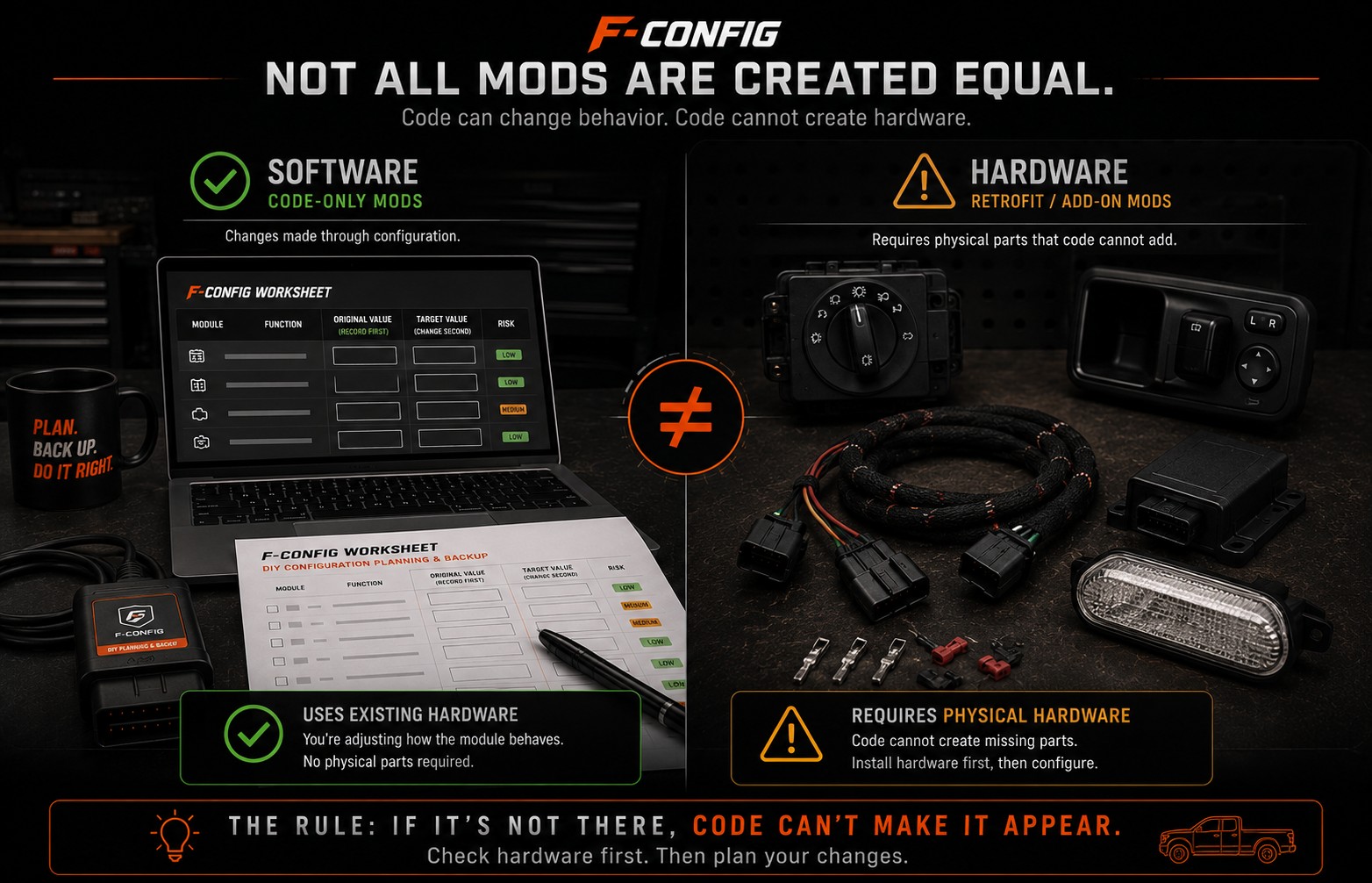
How to Tell if a Mod Needs Hardware
A plain-English guide for spotting the difference between a software-only worksheet change and a retrofit that needs real parts, wiring, switches, or modules first.
New to FORScan? Build the worksheet when the basics are clear.
Free guides explain the job. $9.99 is the worksheet for your truck: the rows, blanks, and checks you write yourself.
$9.99
Build My Worksheet$9.99
Free guides explain the job. $9.99 is the worksheet for your truck: the rows, blanks, and checks you write yourself.