Troubleshooting
What to Do When FORScan Will Not Connect
A beginner-friendly checklist for connection problems before a worksheet session: adapter mode, drivers, ignition state, battery voltage, and when to stop.
1Best use of this free guide
Use it to understand the behavior change before building a worksheet.
2Confirm first
Confirm your year, trim, engine, drivetrain, adapter, laptop, and backup plan.
3Stop if
FORScan will not connect, voltage is unstable, the module/address does not match your worksheet, or the truck shows warnings.
Start here
Should you do this?
The short answer first, so you can stop reading if it is not for your truck.
Best use of this free guide
Use it to understand the behavior change before building a worksheet.
Confirm first
Confirm your year, trim, engine, drivetrain, adapter, laptop, and backup plan.
Stop if
FORScan will not connect, voltage is unstable, the module/address does not match your worksheet, or the truck shows warnings.
This free lesson is here to help you decide, not pressure you. If the setup, hardware, legality, safety, or compatibility picture is unclear, pause and research before purchasing parts, building a worksheet, or writing values. Never copy values from a free guide, screenshot, forum post, or another truck.
Free: F-150 FORScan pre-flight & rollback checklist
Three printable pages covering what to do before you write a single value, how to keep every change reversible, and what to do when a module stops responding. No codes, nothing to buy. Take it to the garage.
Adapters we use
Adapter links are affiliate links. F-Config may earn a commission from qualifying purchases at no extra cost to you. We recommend these because they are what we use, not because of the commission.
OBDLink EX (USB)
The default choice for writing values
Wired USB, built specifically for FORScan. A write session is the wrong moment to discover a flaky connection, and this is the adapter least likely to give you one.
View on AmazonOBDLink MX+ (Bluetooth)
If you want one adapter for more than this job
Useful well beyond a single worksheet, and works with phone apps too. Confirm it connects reliably in FORScan on Windows before you rely on it for a write session.
View on AmazonBackground
What this actually changes
What the job does, where compatibility gets tricky, and what it looks like.
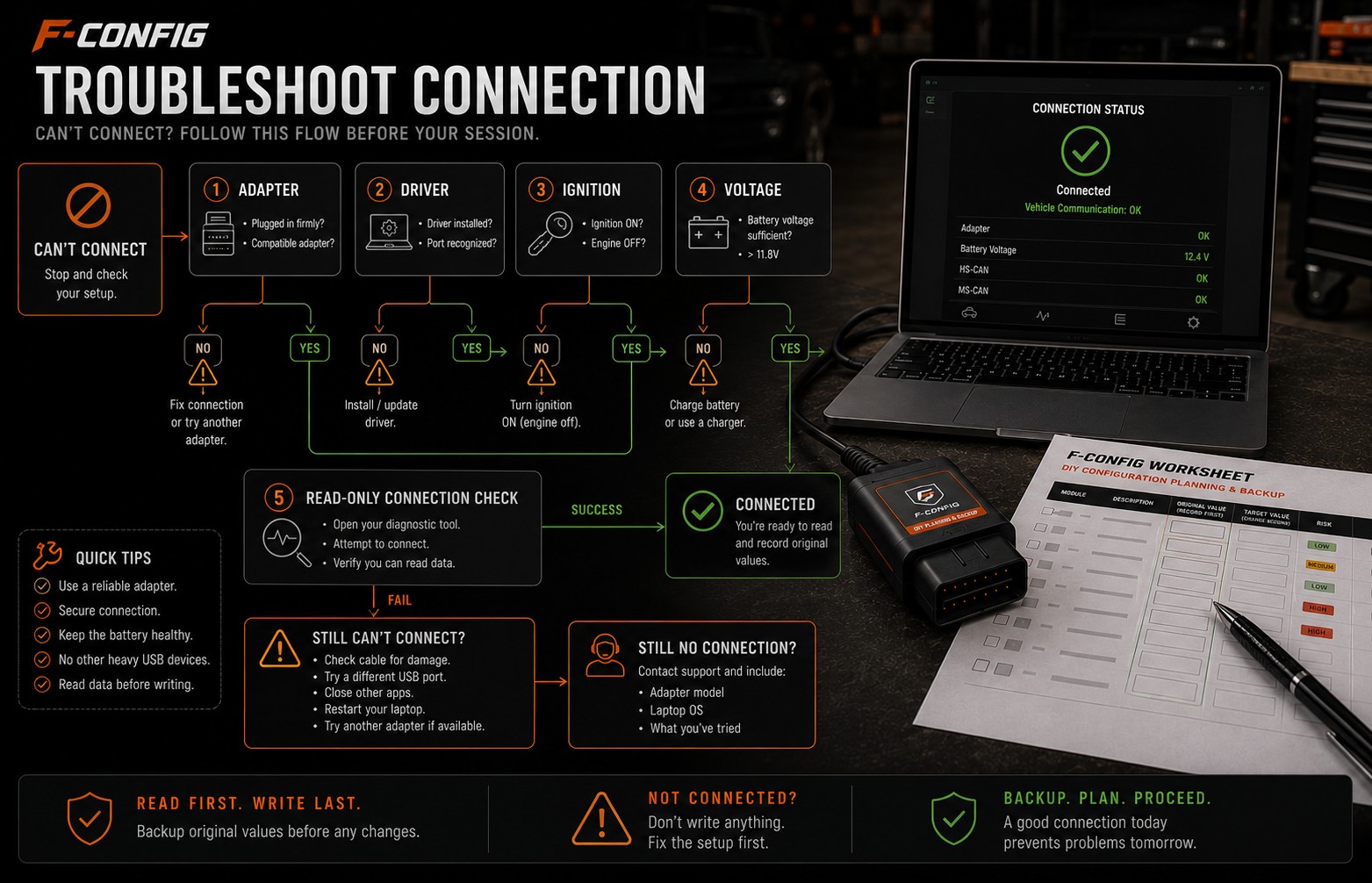
If the connection is unstable, the worksheet should wait. Prove the adapter and truck can complete a stable read-only session first.
A connection problem means FORScan, the adapter, the laptop, or the truck is not communicating reliably. Before any worksheet row matters, the truck needs to be detected in a stable read-only session.
Software or hardware?
This is setup troubleshooting, not a modification. Do not write any worksheet values until the connection is stable and repeatable.
Where compatibility gets tricky
The same basic connection checks apply across supported F-150 years, but adapter behavior, drivers, and module access can vary by laptop, adapter model, and vehicle network.
Before you build a worksheet
Use this free guide to decide if the job makes sense for your truck. If the required hardware, safety impact, adapter connection, or backup plan is unclear, solve that first instead of building a worksheet and guessing inside FORScan.
Pictures, videos and comparisons
Use this table to decide whether to continue reading, prepare more, or stop before changing anything.
Best use
Understand the behavior change before building a worksheet.
Good sign
Your truck details, adapter, laptop, FORScan access, and backup plan are ready.
Stop sign
FORScan will not connect, voltage is unstable, or the module/address does not match.
Worksheet fit
Useful for organizing compatible rows, original values, notes, and checks.
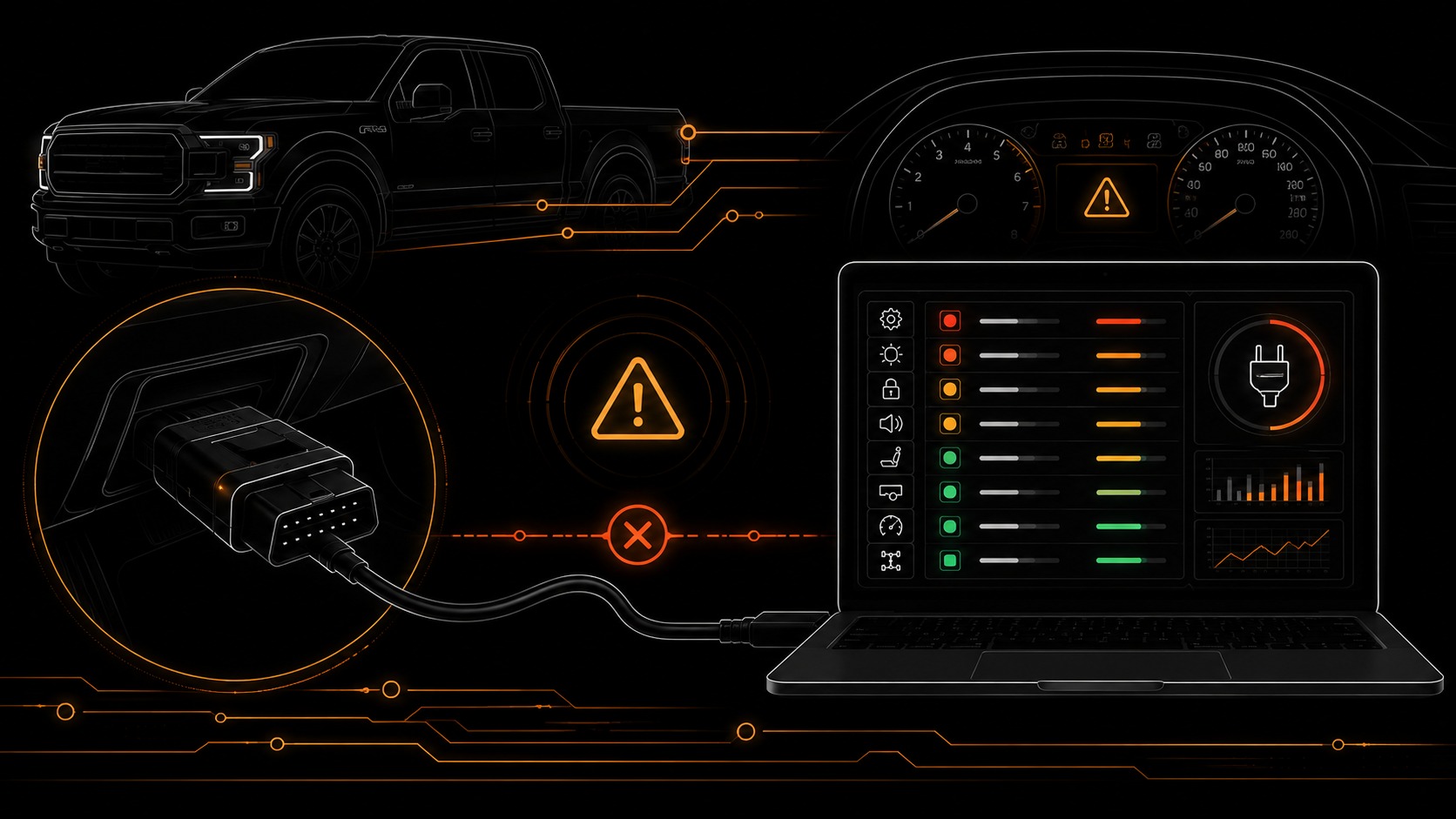
F-Config
Fix Connection and Adapter Problems
A practical checklist for drivers, adapter mode, battery voltage, ignition state, and failed module communication.
Open resource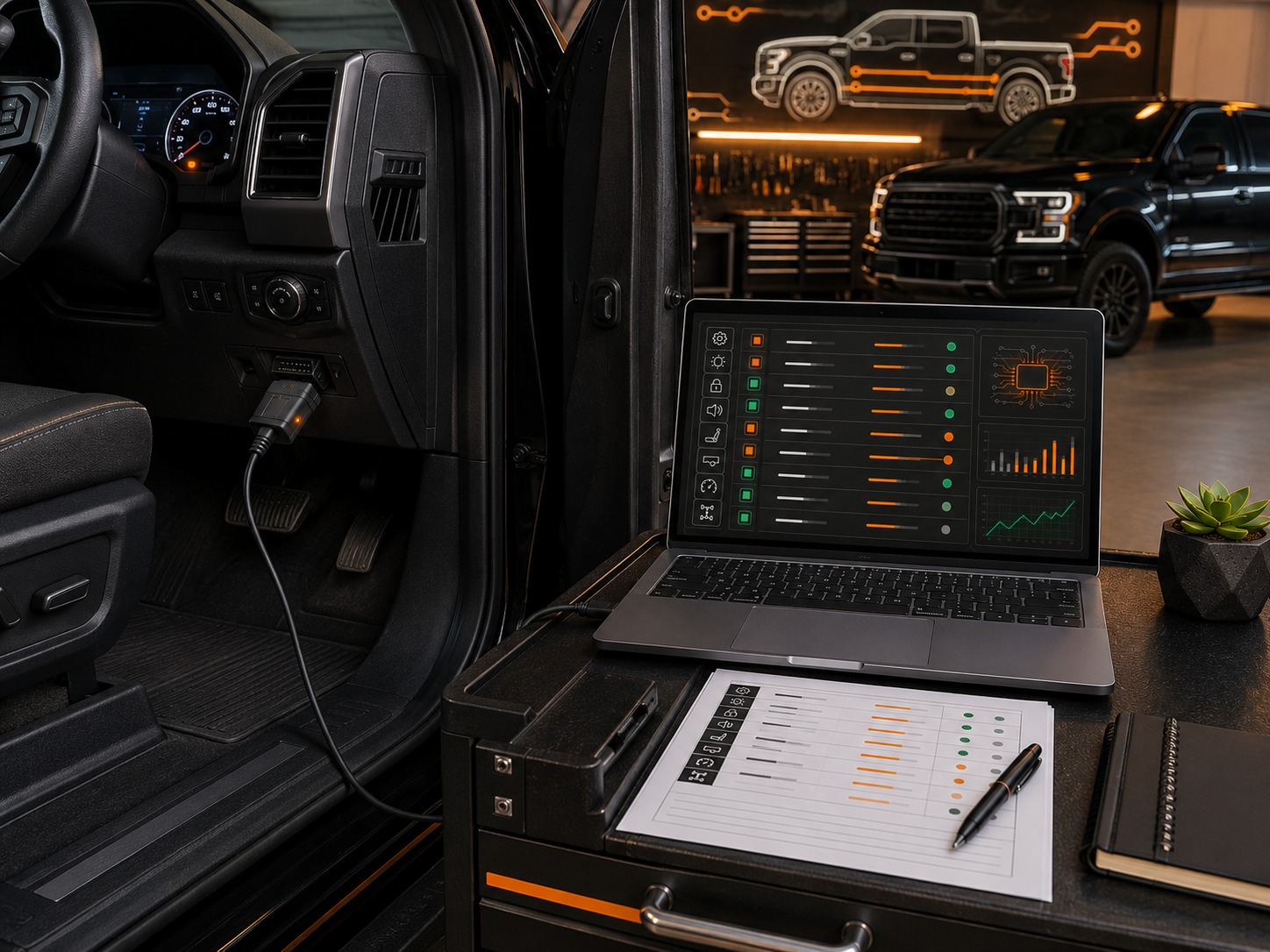
F-Config
Prepare Your OBD-II Adapter
Install drivers, confirm adapter mode, and check the connection path before opening a module.
Open resource
OBDLink
OBDLink EX Setup for FORScan
External setup walkthrough for installing drivers, updating firmware, and preparing an OBDLink EX for FORScan.
Open videoThe work
How to do it
What to have ready, what to do before you change anything, and the order to work in.
What you need before you start
Before changing any values
Save the original value before changing a row. Only use rows from your own worksheet for your selected truck. If something feels wrong, restore the last original value first.
- Do not start a write session while troubleshooting connection problems.
- Plug the adapter fully into the OBD-II port and laptop before opening FORScan.
- Confirm the adapter driver is installed and recognized by Windows.
- Confirm the truck ignition state matches what FORScan expects.
A simple way to approach it
- 1
Close FORScan and unplug the adapter.
- 2
Confirm the adapter driver is installed on the Windows laptop.
- 3
Plug the adapter into the truck and laptop, then open FORScan.
- 4
Set ignition to the required state without starting a write session.
- 5
Run a read-only connection check and confirm the truck is identified.
- 6
If connection drops, stop and troubleshoot the adapter, cable, driver, USB port, ignition state, or voltage before continuing.
Afterwards
Check it worked
How to confirm it worked
- FORScan identifies the truck consistently.
- The connection remains stable during a read-only scan.
- No repeated adapter disconnect warnings appear.
- You can see the modules needed for your selected worksheet rows.
Common mistakes and problems
- Adapter is plugged in but the Windows driver is missing.
- Bluetooth or Wi-Fi adapter disconnects during the session.
- Ignition is off when FORScan expects accessory or run mode.
- Battery voltage is low or unstable during setup.
- Customer starts writing values before proving the connection is stable.
FORScan notes
- If FORScan cannot identify the vehicle, solve that before opening the worksheet.
- If the adapter connects and drops repeatedly, stop and fix the connection path.
- If FORScan asks for an adapter mode or switch position, follow the adapter-specific prompt before continuing.
- A successful first connection does not mean the session is stable enough for writing. Watch for repeat disconnects.
Safety net
If it goes wrong, and where this came from
Rollback plan
- If no values were written, there is usually nothing to roll back. Fix the connection first.
- If a write was interrupted, stop immediately and restore the last recorded original value only after the connection is stable.
- Do not keep trying random module writes to test the connection.
Setup boundary
A stable connection is required before a worksheet can be used responsibly.
Adapter boundary
F-Config cannot guarantee every adapter, driver, cable, or laptop setup will work.
Customer responsibility
Customers should solve connection and voltage issues before writing any module values.
Sources reviewed
FORScan official site
OfficialUsed for general FORScan software, adapter, and license context.
Open sourceFORScan community forum
Community-reportedUsed to compare community-reported module behavior and common troubleshooting patterns.
Open sourceFord owner support
OfficialUsed for owner-facing feature and vehicle operation context.
Open sourceF-Config is independent. These notes do not imply Ford, FORScan, forum, or community endorsement. Do not use F-Config to bypass emissions, theft, restraint, safety, inspection, odometer, VIN, or licensing protections.
Keep learning
Related free guides
Start here
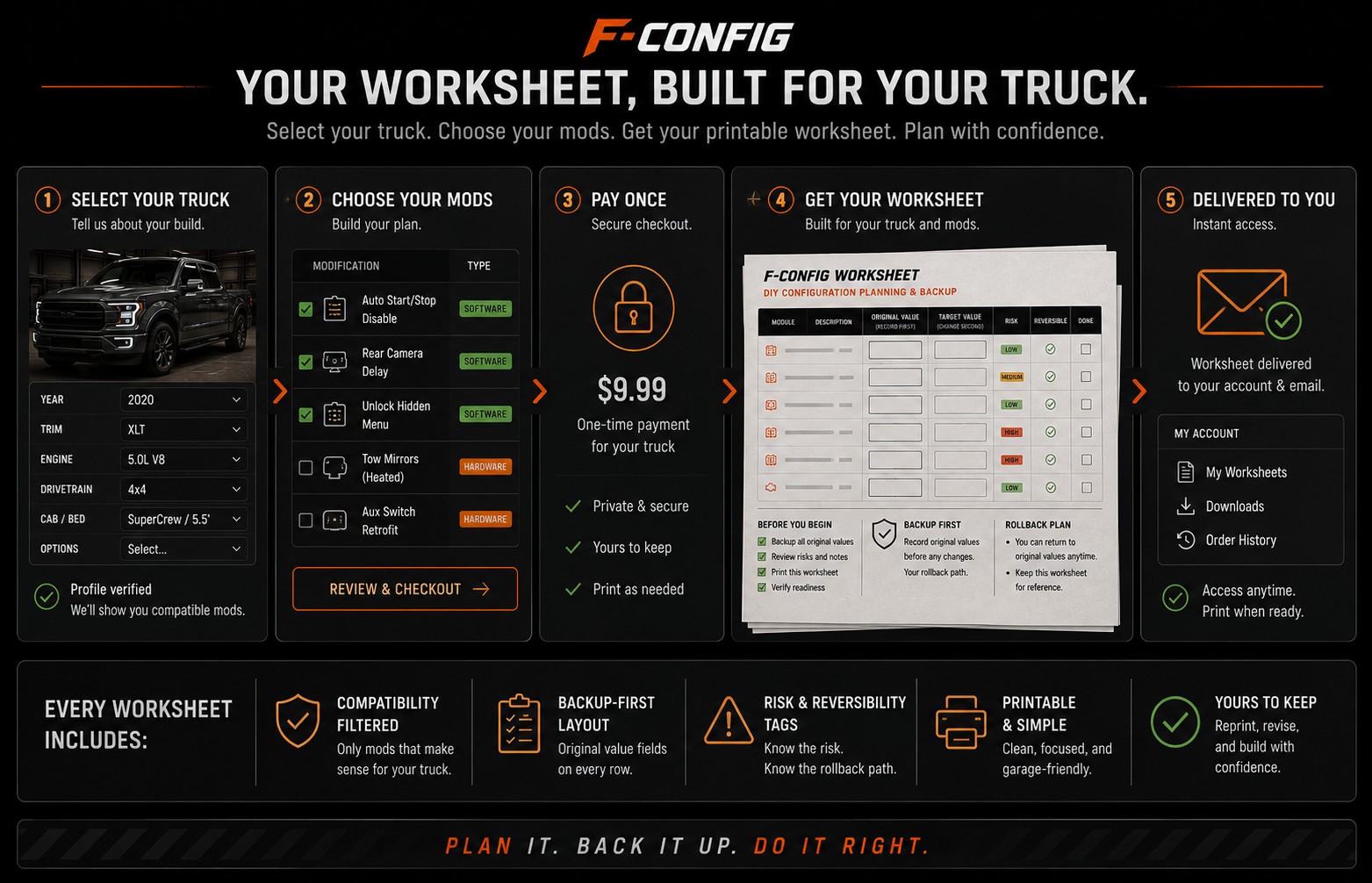
What Happens After You Buy a Worksheet
See clearly what the worksheet gives you, what it does not do for you, and how to use it before opening FORScan.
Start here
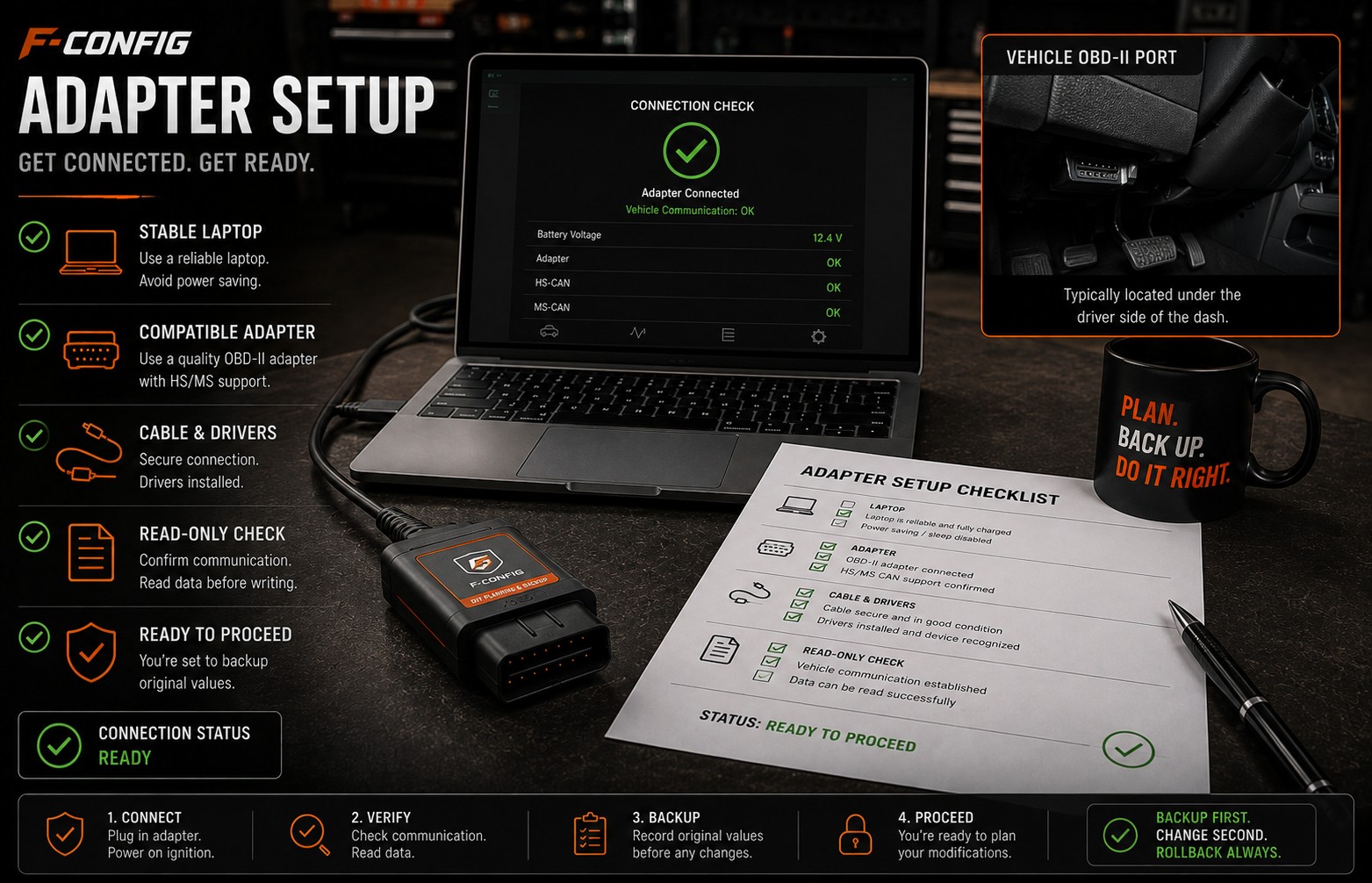
Choosing a FORScan Adapter for an F-150
Understand why the adapter matters, why stable USB is often the safer default for writing values, and what to avoid before buying parts.
Start here
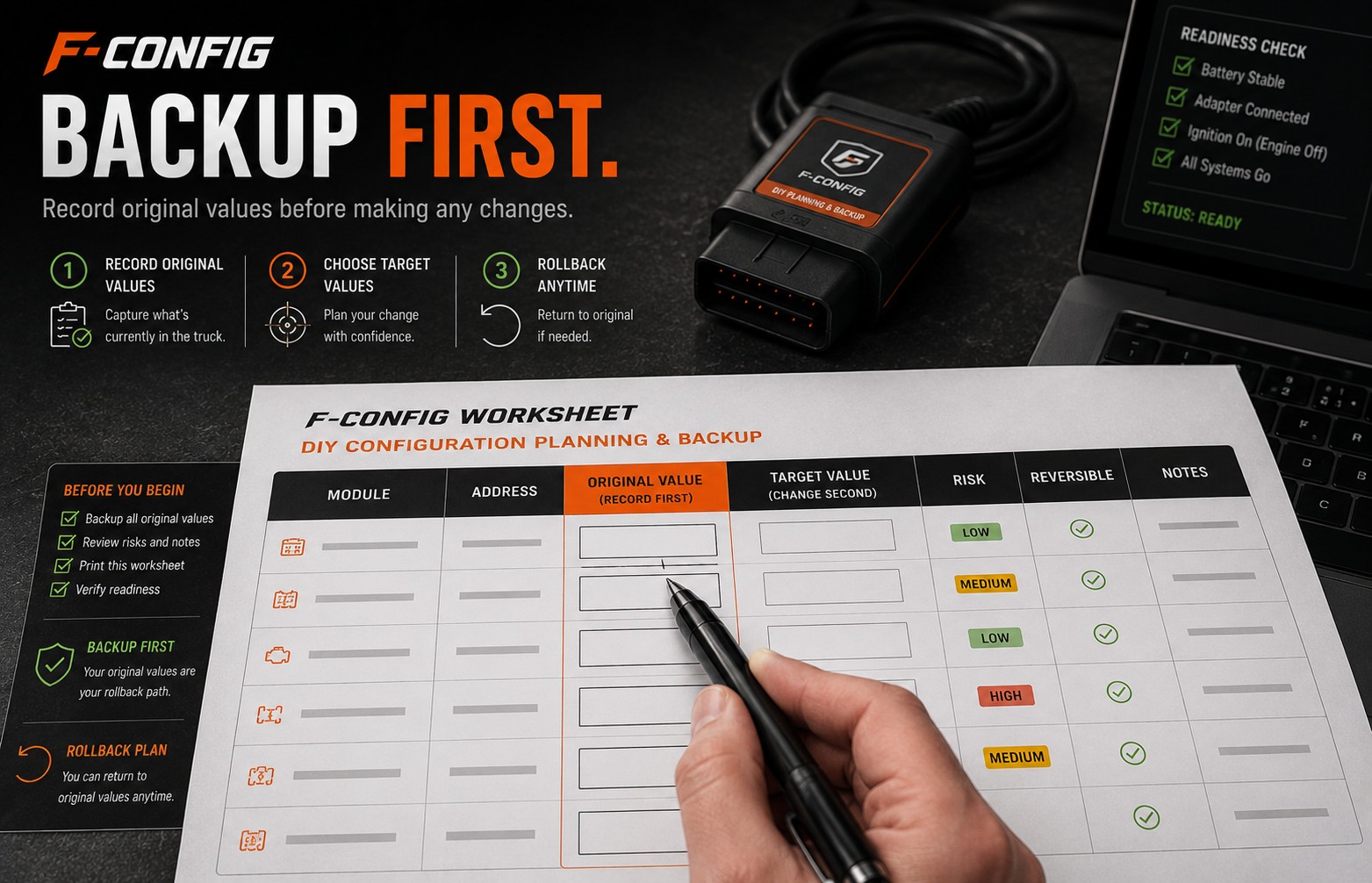
How to Back Up Original Values Before Changing Codes
A simple backup-first guide for recording original module values so you have a rollback path if a change does not behave as expected.
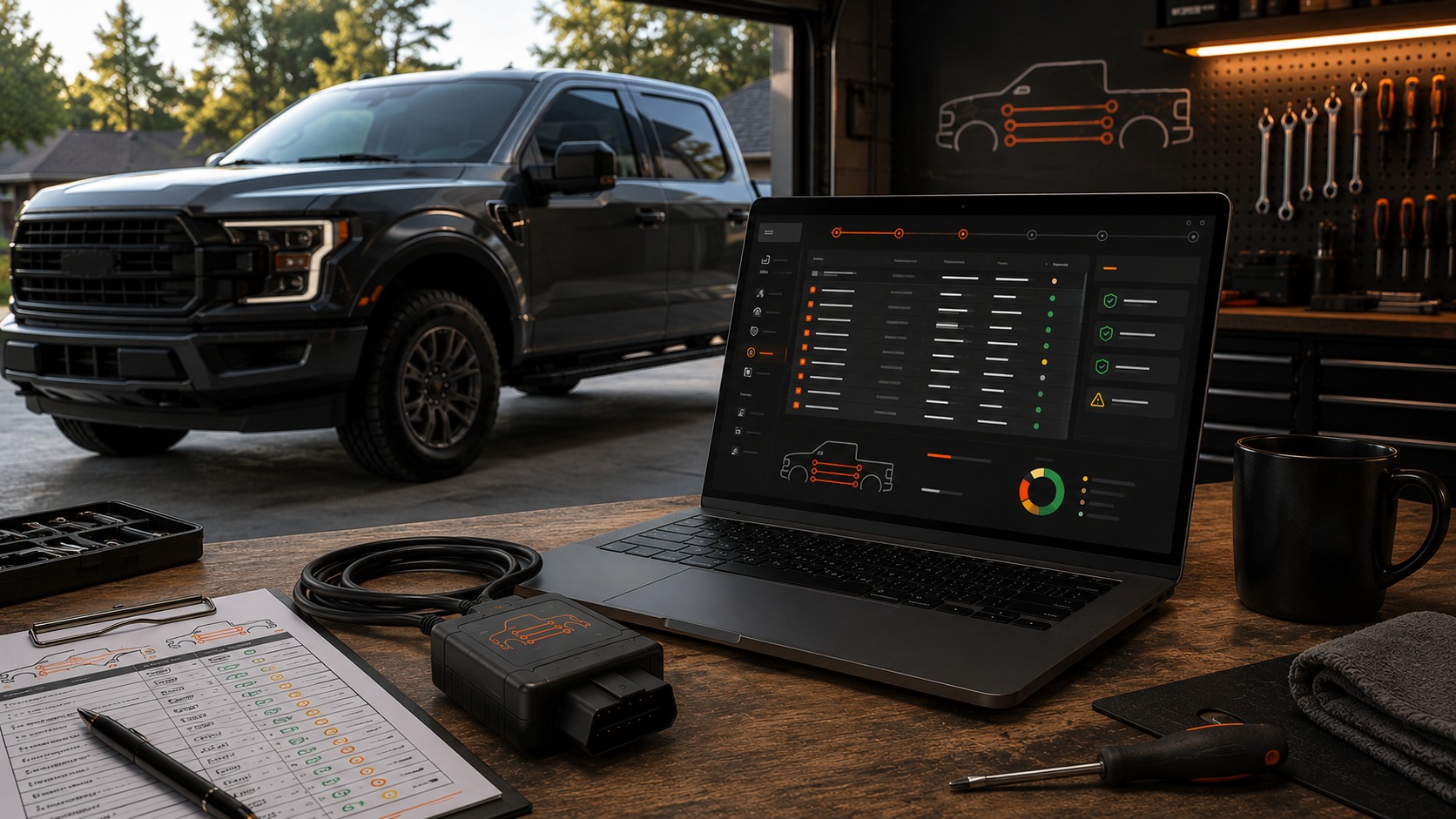
Once it connects, build the worksheet.
Free guides explain the job. $9.99 is the worksheet for your truck: the rows, blanks, and checks you write yourself.
$9.99
Build My Worksheet$9.99
Free guides explain the job. $9.99 is the worksheet for your truck: the rows, blanks, and checks you write yourself.