Loading...

Your learning path
From first-timer to confident DIY, in order
New to FORScan? Follow these stages top to bottom. Each one builds on the last, and it ends with building the worksheet for your exact truck.
1
Foundations
Understand what you are doing before you touch anything.
2
Set up your tools
Get the hardware and software ready for a stable session.
3
Do it safely
Back up first, then apply changes you can always undo.
4
When something goes wrong
Common snags and how to recover calmly.
5
Build your worksheet
Put it together: pick your truck and mods, and get the exact backup-first plan.
Quick Start Guide
beginnerVideovideo
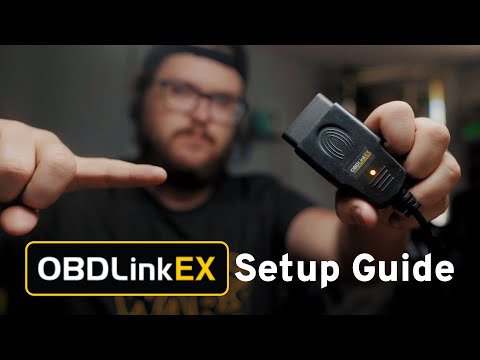
OBDLink EX Setup for FORScan
beginnerOfficialofficial
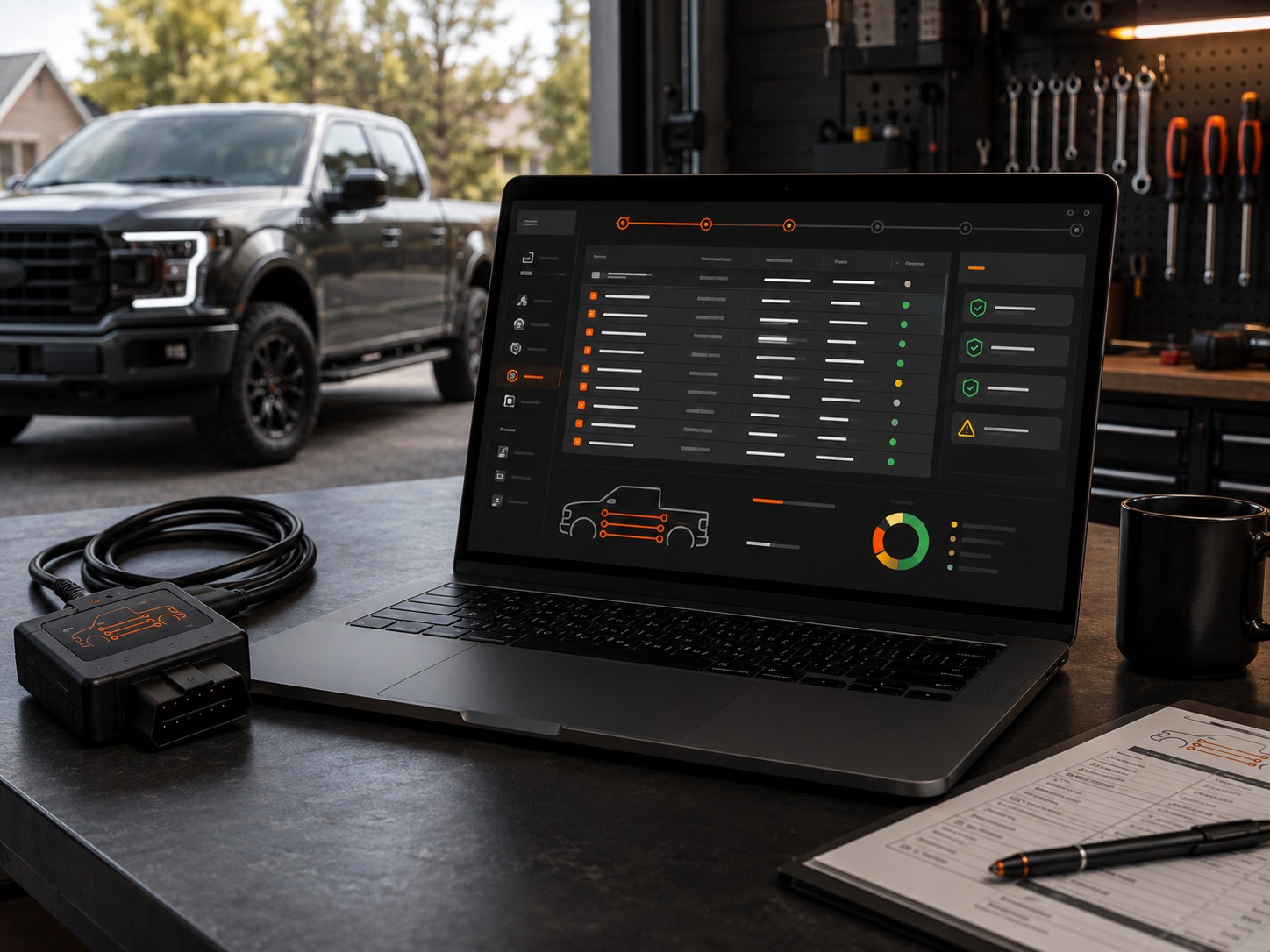
Download and Install FORScan
Start with the FORScan provider download page so customers install the correct software before touching their truck.
Source: FORScan
Open provider resource
beginnerOfficialofficial
Activate the FORScan Extended License
Use the FORScan provider license area before programming. Extended access is required for configuration and programming functions.
Source: FORScan
Open provider resource🚀Getting Started
Essential setup resources for first-time FORScan users
beginnerOfficialofficial
Download and Install FORScan
Start with the FORScan provider download page so customers install the correct software before touching their truck.
Source: FORScan
Open provider resourcebeginnerOfficialofficial
Activate the FORScan Extended License
Use the FORScan provider license area before programming. Extended access is required for configuration and programming functions.
Source: FORScan
Open provider resource
beginnerGuideguide
Prepare Your OBD-II Adapter
Install drivers, confirm adapter mode, and check the connection path before opening a module.
Source: F-Config
Read guidebeginnerVideovideo
OBDLink EX Setup for FORScan
External setup walkthrough for installing drivers, updating firmware, and preparing an OBDLink EX for FORScan.
Source: OBDLink
Watch on YouTube📚FORScan Basics
Careful workflow, backups, and as-built fundamentals

beginnerChecklistchecklist
Backup Your Original Module Values
The most important safety step. Save original module values before changing any as-built data.
Source: F-Config
Open checklist
intermediateGuideguide
Understand As-Built Data Before Writing
Learn what module addresses, original values, target values, and checksum-style value blocks mean in the worksheet.
Source: F-Config
Read guide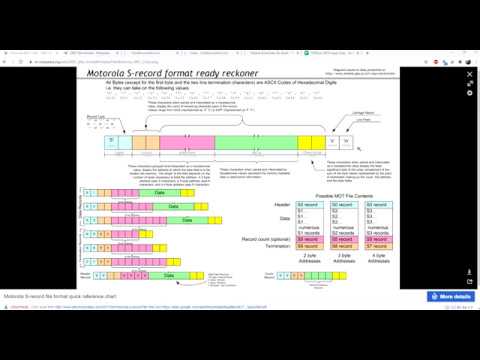
intermediateVideovideo
AS-BUILT Data Explained
External video explaining what as-built data is and why backups matter before changing module values.
Source: YouTube
Watch on YouTube
intermediateGuideguide
Careful Read, Write, Cycle, Verify Workflow
Follow a repeatable process: read the module, confirm original values, write the worksheet values, cycle ignition, and verify.
Source: F-Config
Read guide🔧Specific Modifications
Videos and worksheet notes for individual mods
beginnerVideovideo
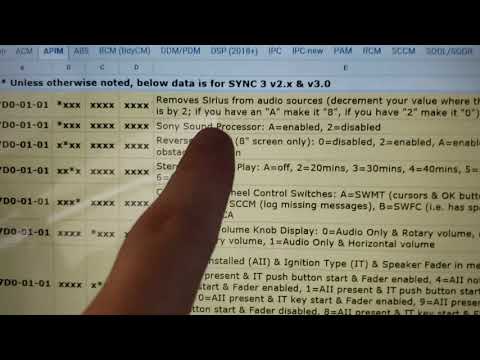
F-150 Bambi Mode, Auto Start/Stop, and Door Chime Walkthrough
Verified external video guide covering three common F-150 FORScan changes, including Bambi Mode and Auto Start/Stop.
Source: WickedF150 via OHP Tools
Watch on YouTube
beginnerGuideguide
Bambi Mode Worksheet Notes
Review what the worksheet changes, what to test after writing, and how to confirm fog lights stay active with high beams.
Source: F-Config
Read guide
beginnerGuideguide
Auto Start/Stop Disable Worksheet Notes
Understand the worksheet values, expected behavior, and simple post-write checks for Auto Start/Stop disable.
Source: F-Config
Read guide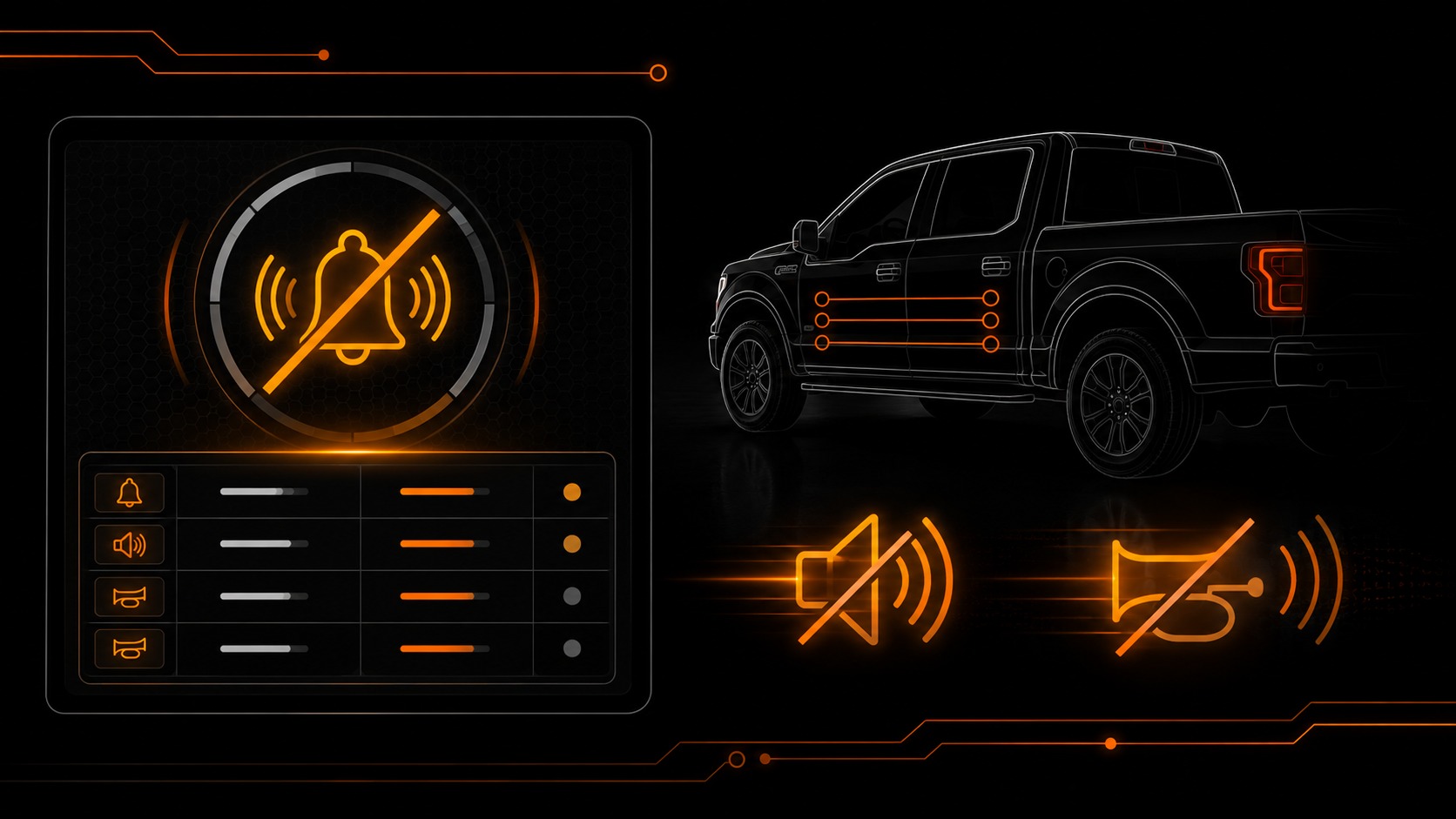
beginnerGuideguide
Double Horn Honk Disable Worksheet Notes
A quick guide for customers disabling the double honk behavior and confirming the truck still locks correctly.
Source: F-Config
Read guide🔍Troubleshooting
Fix common connection, module, and restore issues
intermediateChecklistchecklist
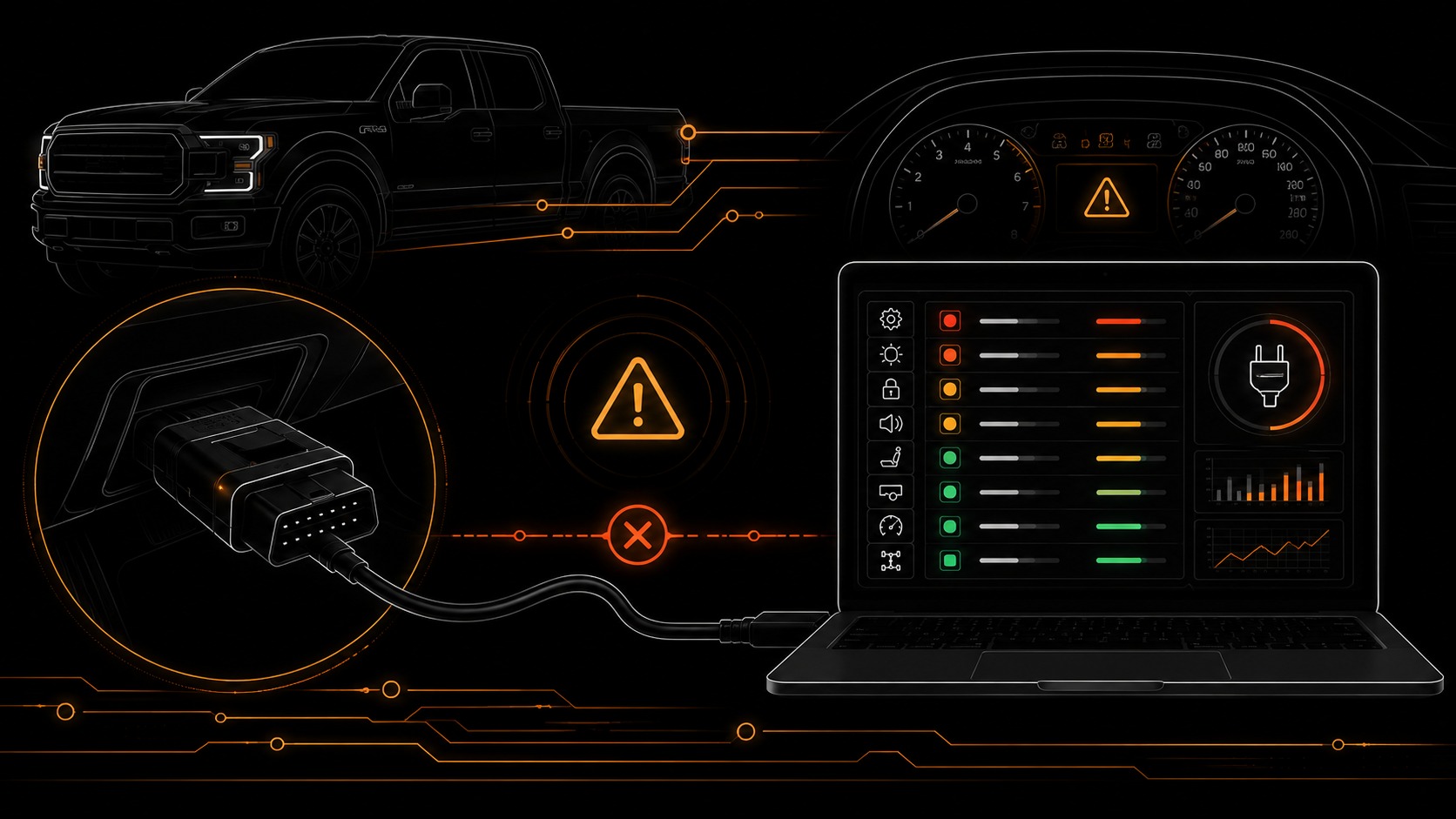
Fix Connection and Adapter Problems
A practical checklist for drivers, adapter mode, battery voltage, ignition state, and failed module communication.
Source: F-Config
Open checklist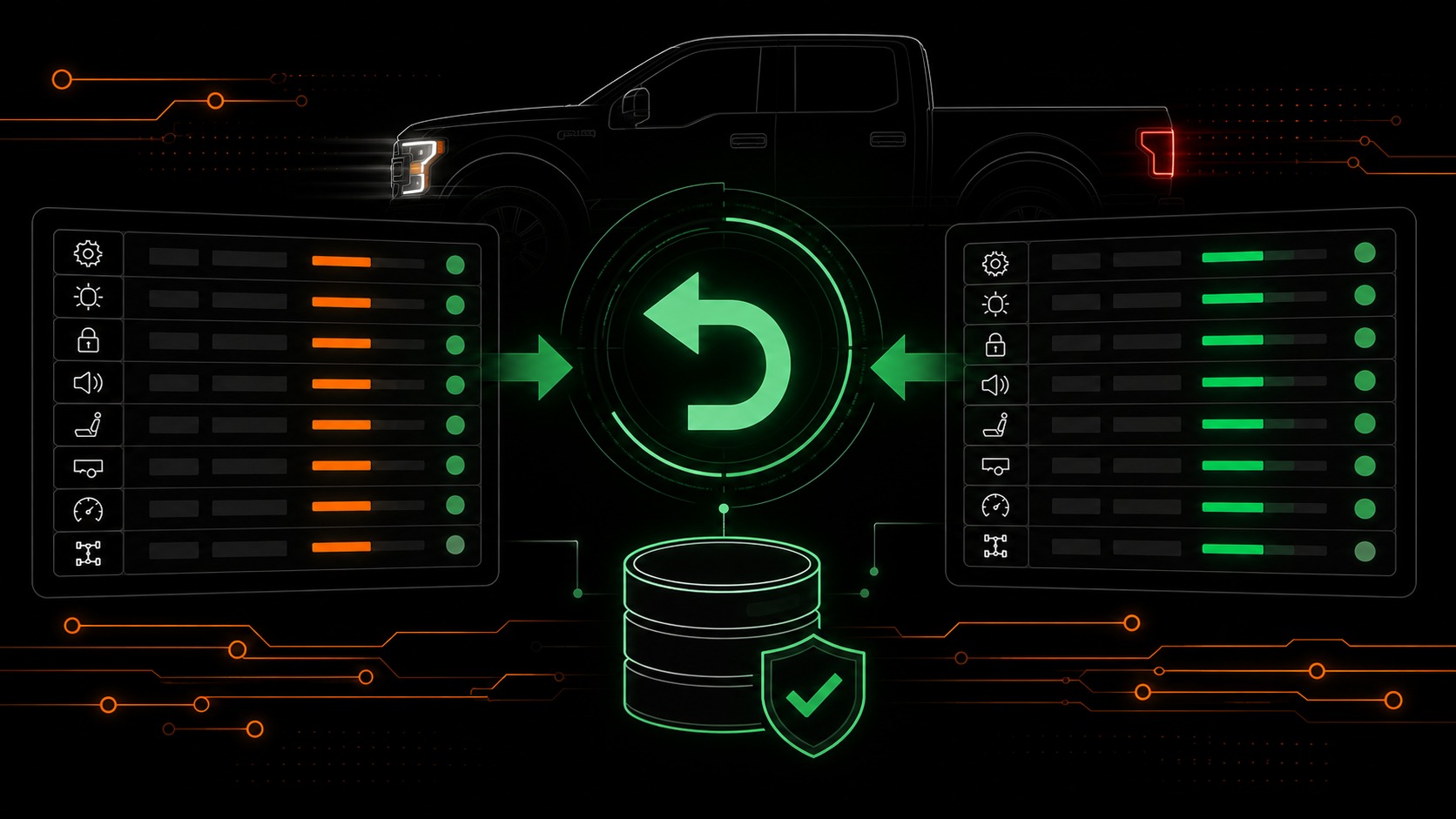
beginnerGuideguide
Restore Original Values Carefully
If something behaves wrong, use the worksheet backup notes to put original values back before trying another change.
Source: F-Config
Read guide
intermediateVideovideo
Loading Factory As-Built Data
External video covering how factory as-built data can be used when restoring values.
Source: YouTube
Watch on YouTubeadvancedChecklistchecklist
When a Module Does Not Respond
Stop writing values and troubleshoot connection, voltage, and module state before retrying.
Source: F-Config
Open checklistAdditional Resources
Ready to Get Started?
Explore available modifications and continue learning with our resources.
Browse Modifications